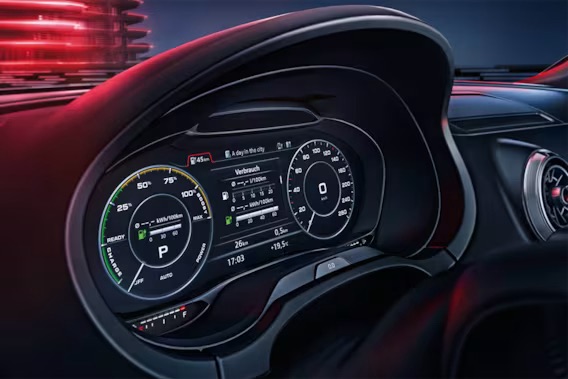
I already wrote earlier about converting my MIB2 from US to European spec, and how it turned out afterward that the multimedia system had Ukrainian as a language option, but the cockpit didn’t. At the time I figured the A3 e-tron was never sold on the Ukrainian market, which is why there was no Ukrainian for the Virtual Cockpit. I’d pretty much made peace with that.
But recently a friend also brought himself an Audi A3 e-tron from the US, a 2018 model this time — mine, as a reminder, is a 2017. He also converted his MIB2 from US to European spec, and I happened to ask him:
– so, is Ukrainian only on the multimedia system?
he replied:
– nah, it’s on the cockpit too
As proof, he even sent a photo:
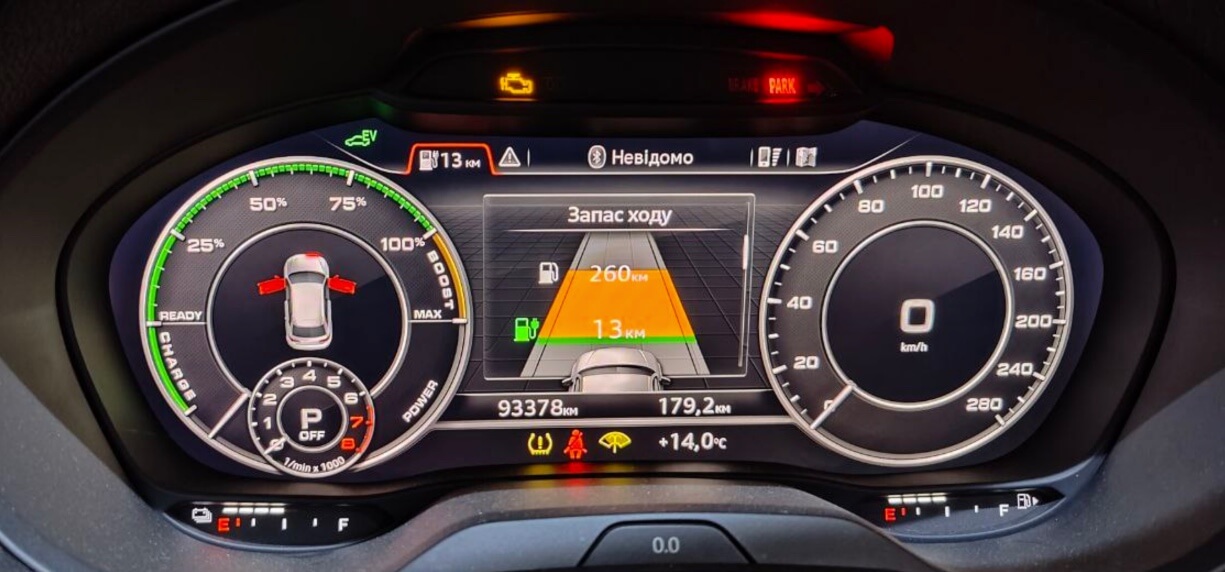
I was thrilled, and immediately asked him to scan control unit 17 and check the firmware version and the part number itself. The information was as follows:
SW: 8V0920894A HW: 8V0920894A H16 066I compared it with my own cockpit, which had this:
SW: 8V0920894 HW: 8V0920894 H14 0047From this information it’s clear that my friend’s cluster is a slightly newer revision with more recent firmware.
I started looking for the newer firmware version and managed to find, through another friend, this firmware:
H16 0069that is, even a bit newer than my friend’s.
The firmware works the same way as an MIB2 update — files that get written to an SD card and then installed through MIB2’s red engineering menu. I loaded all the files onto the card and ran out to the car to try updating.
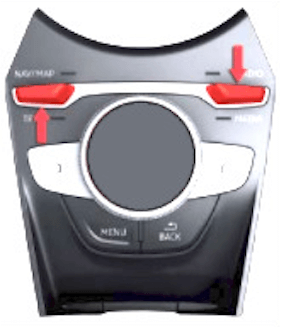
Inserted the SD card, went into the engineering menu using the following combination:
And selected the standard update:
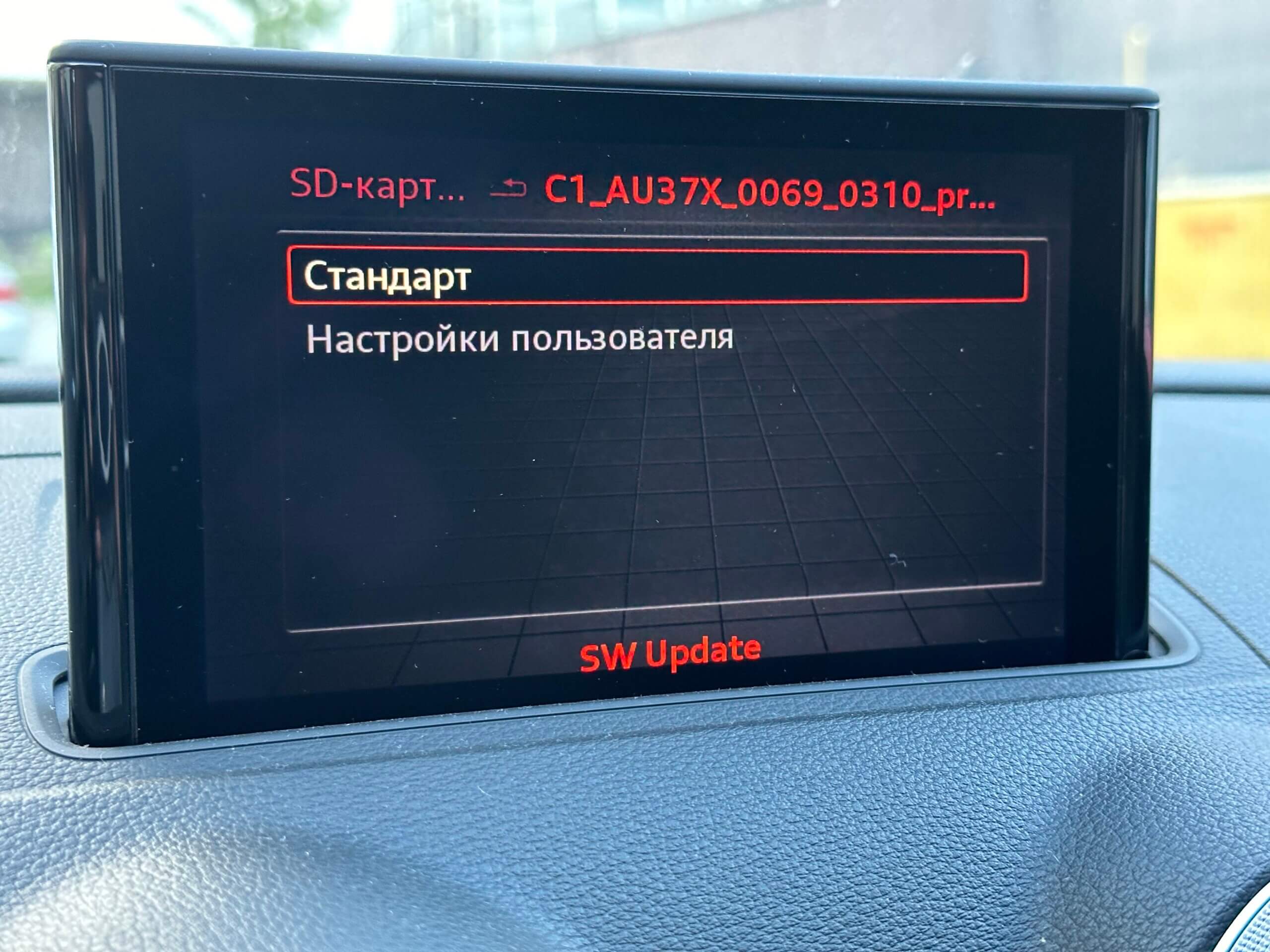
On the install screen I confirmed the update was for the cockpit only:
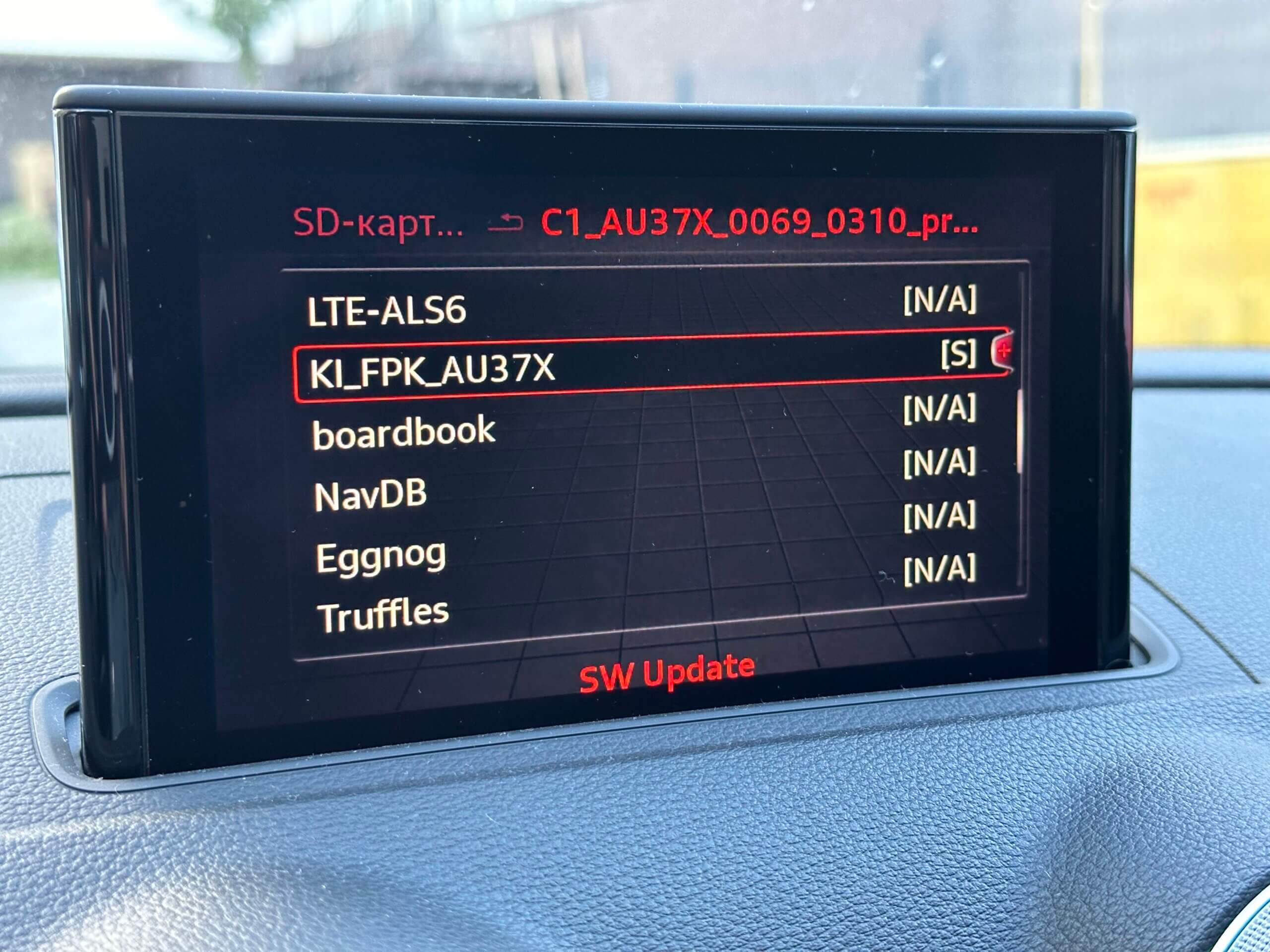
And then just started the update process:
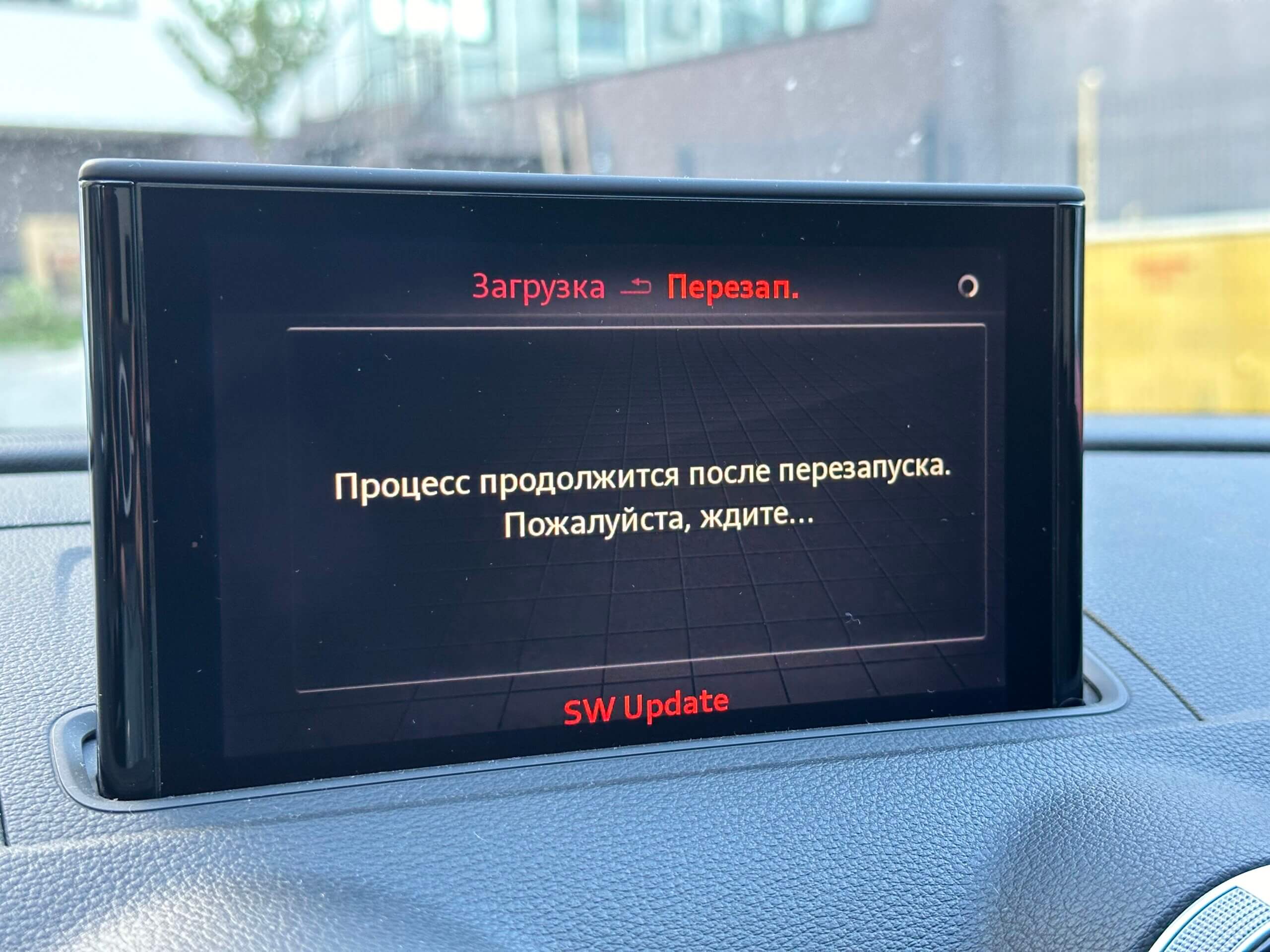
After the MIB rebooted, the install window appeared and almost immediately threw error 142:
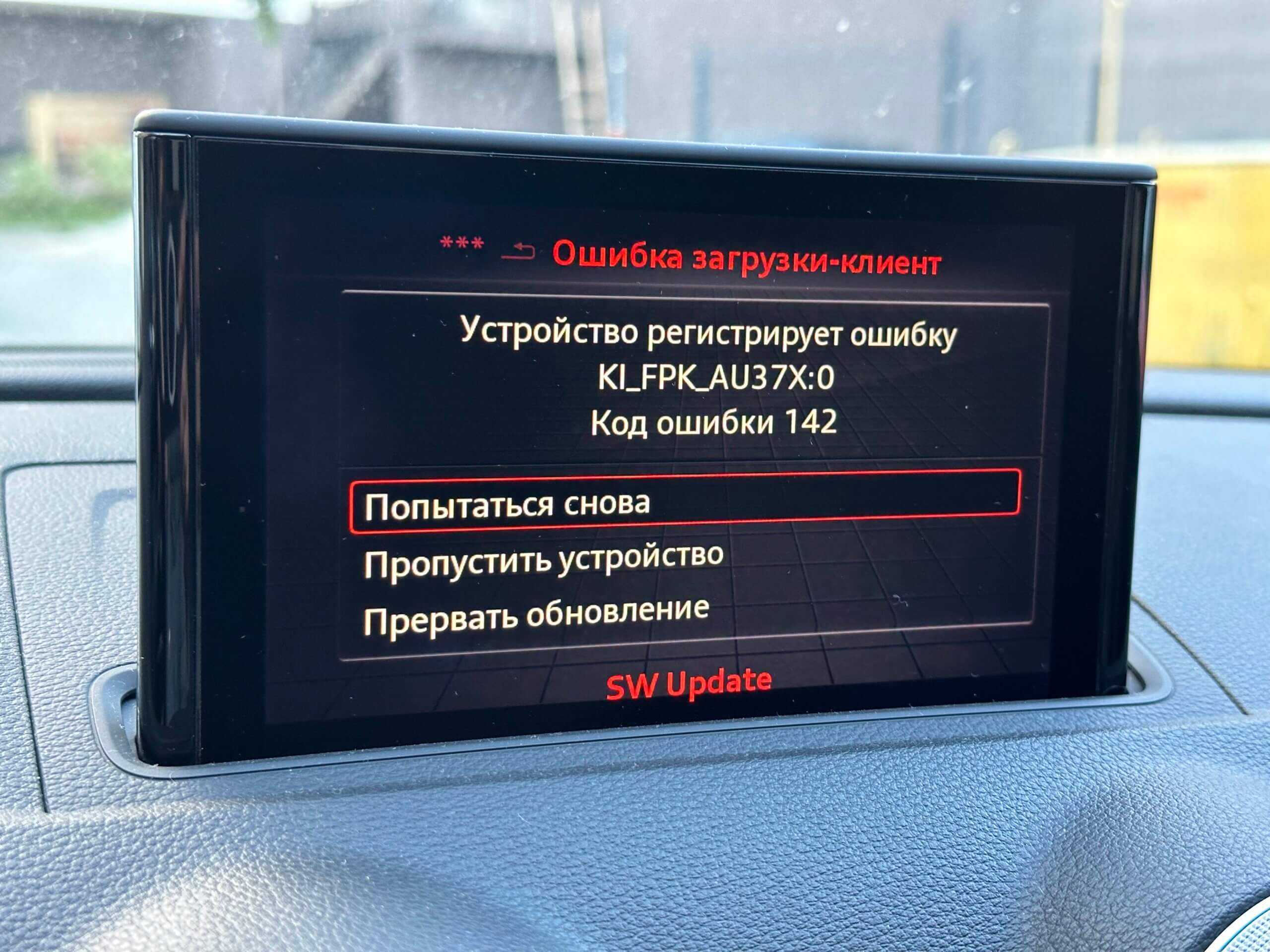
At first I figured the update probably wasn’t compatible with my cluster and that I might as well give up. But I decided to google the error and found out that when updating the cockpit, you need to hold the car key up to the cluster. I grabbed my keys and held them up to the cockpit, then hit “Try Again”, and lo and behold, the install started going:
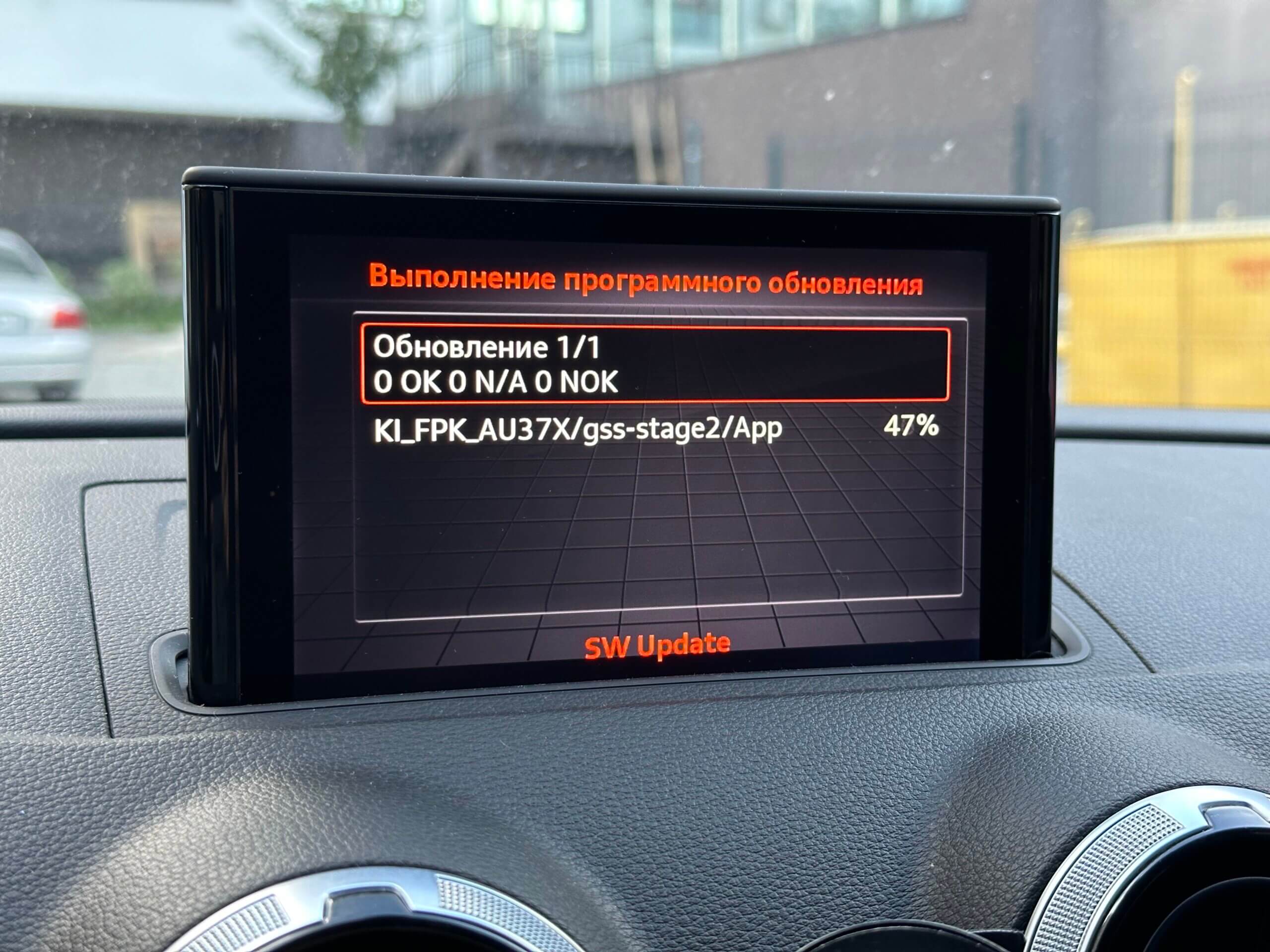
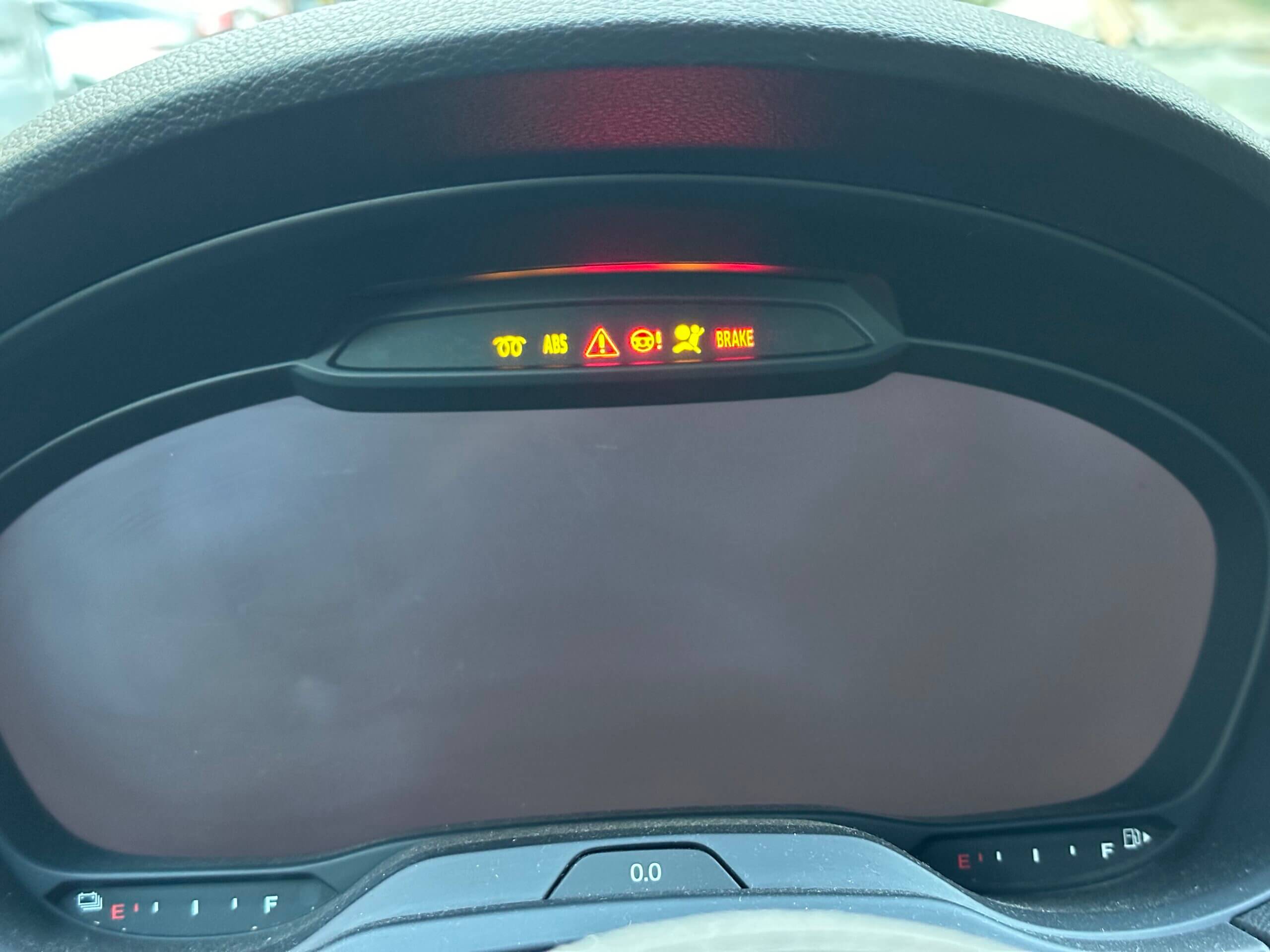
The install took about 10 minutes; during that time the cluster was black with just a few warning lights on:
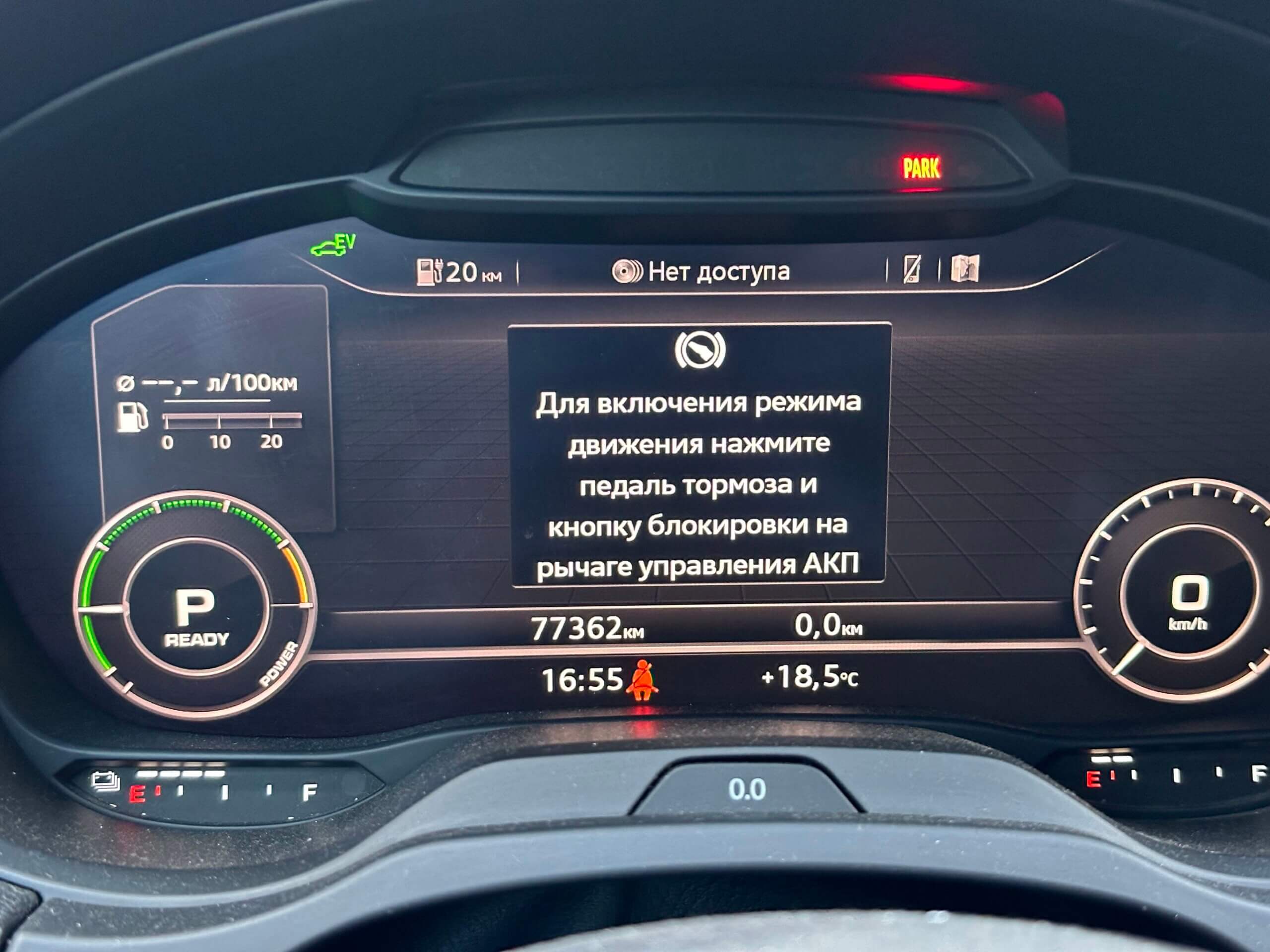
After the update, the multimedia system and the cluster rebooted; the first thing I noticed once the cluster came back on was that the info window about pressing the brake pedal when shifting gears now had more text:
And of course I immediately went to check whether Ukrainian had shown up in the cockpit — went into the MIB menu and selected Ukrainian in the settings:
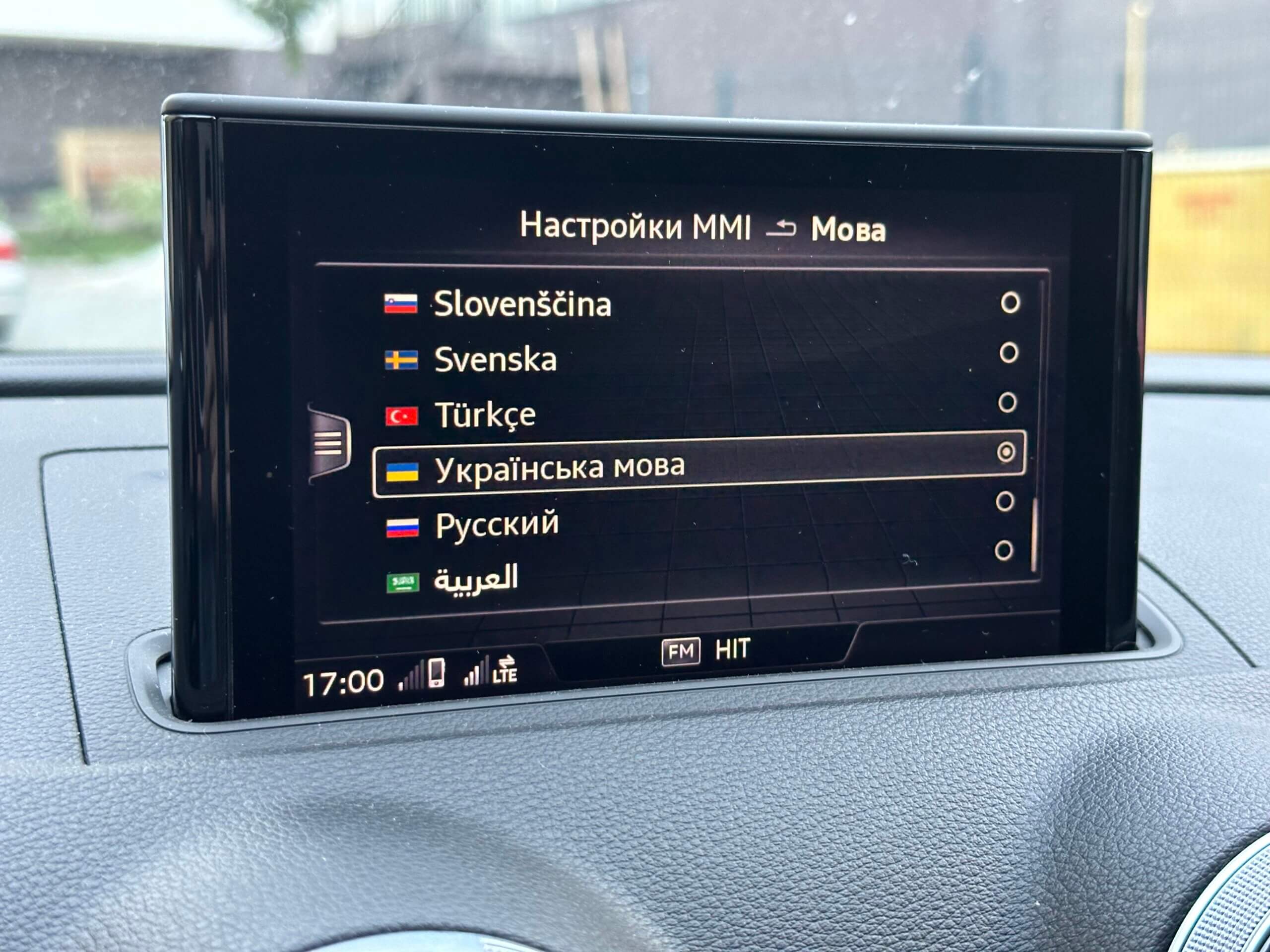
and yes, it was there!
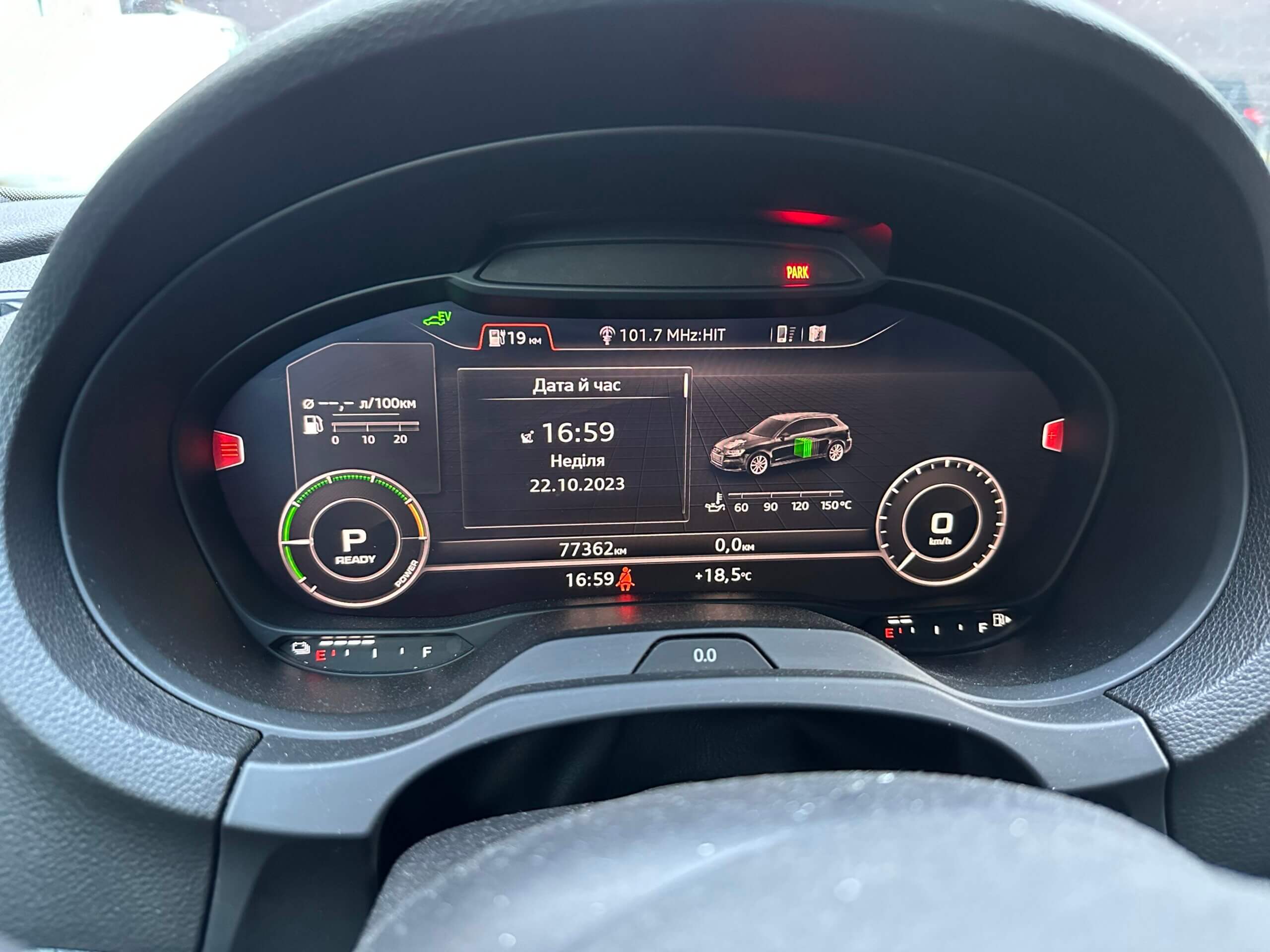
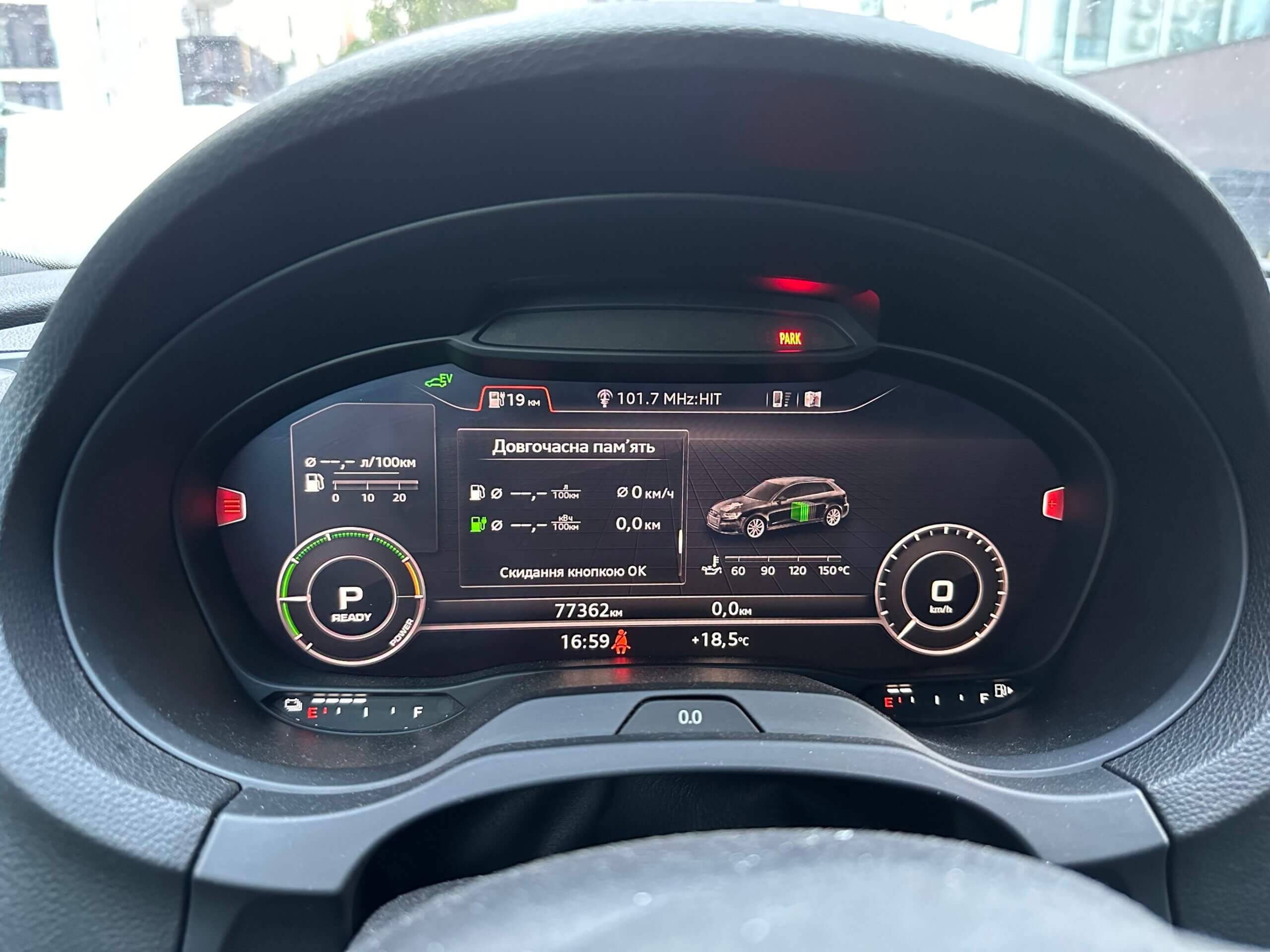
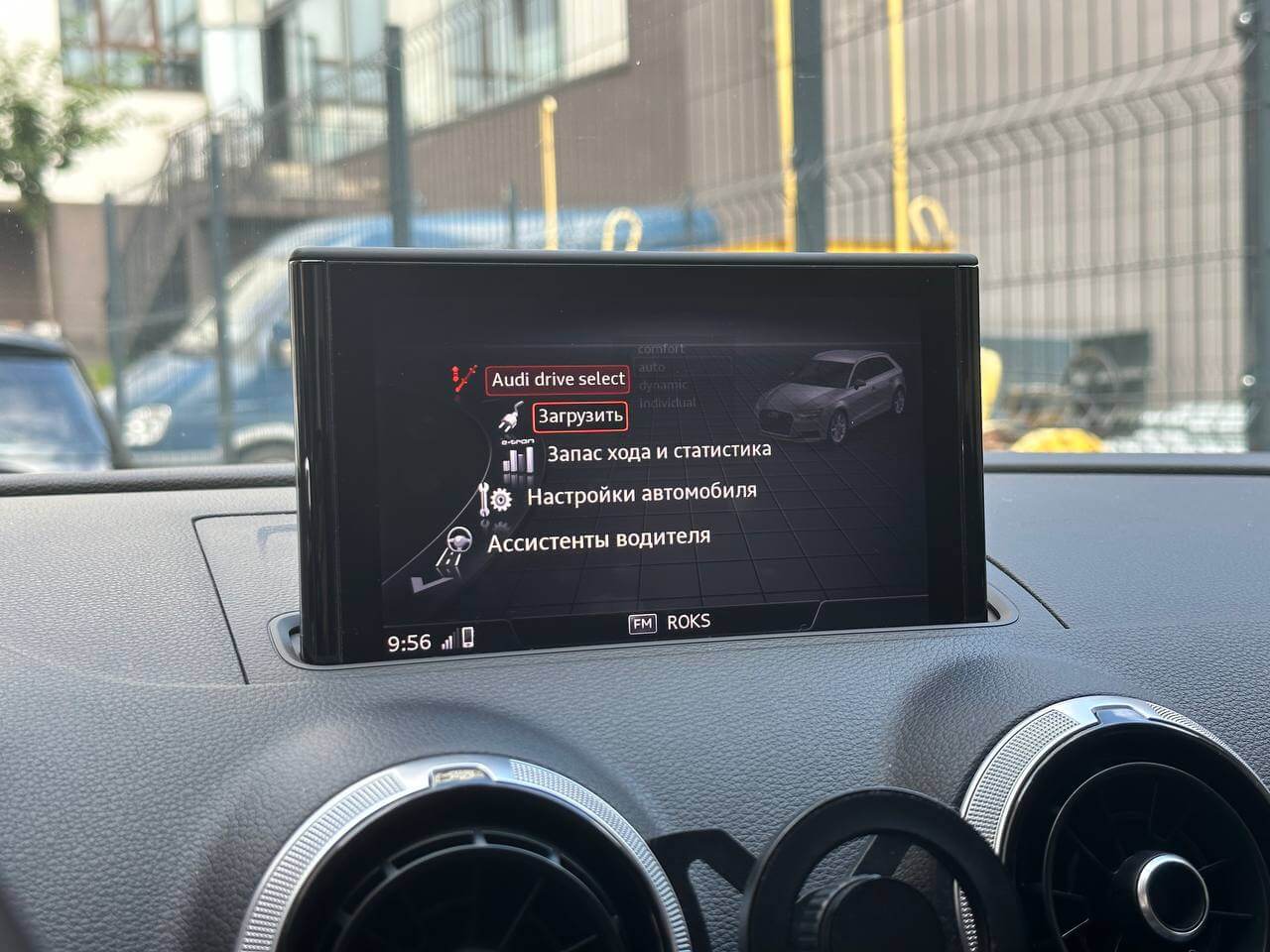
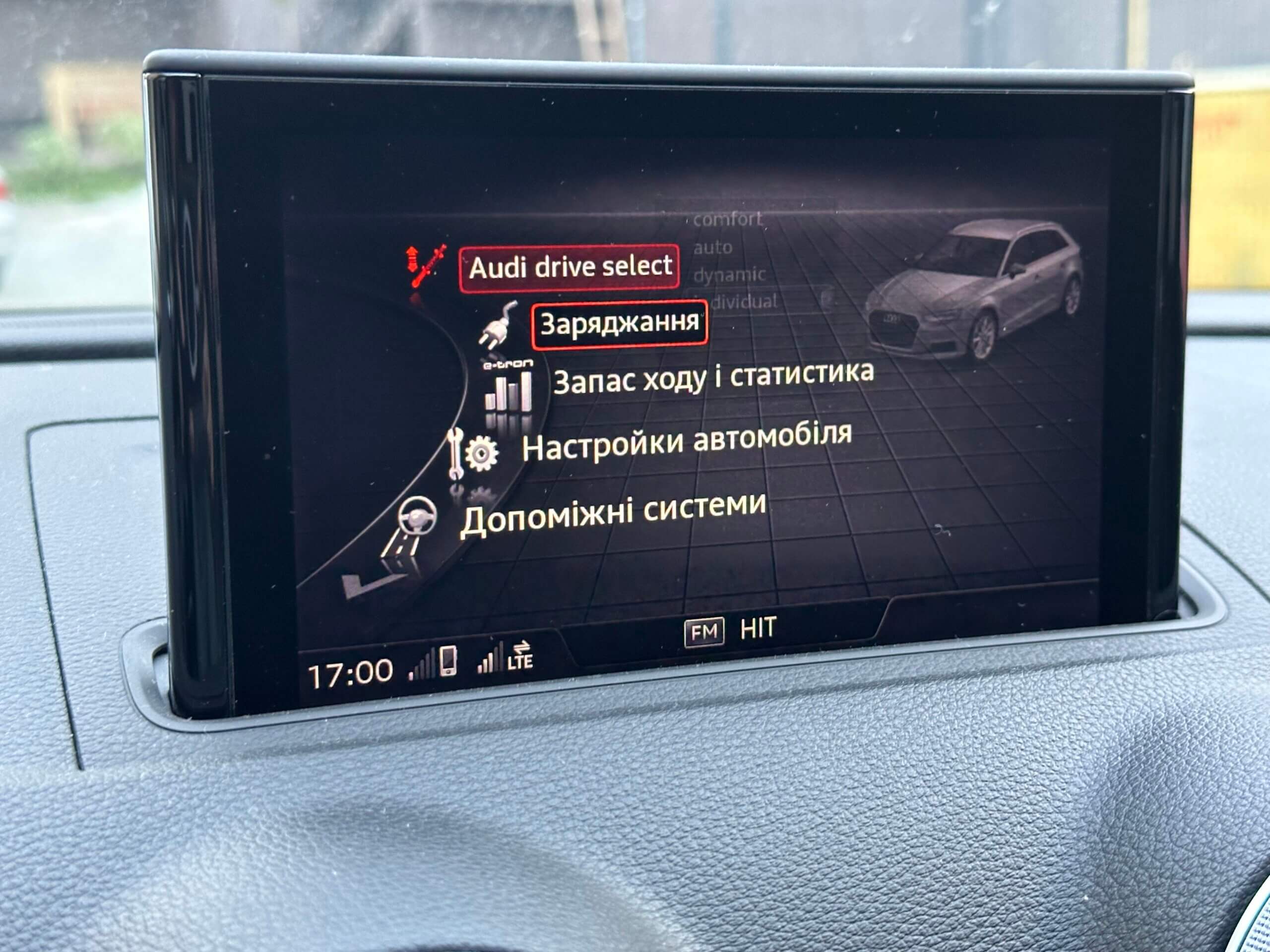
I’m incredibly happy that I finally have my native language in the car. There are of course some localization glitches, though not very noticeable — for example, where units are written as “kWh” or “h” instead of the correct forms, that kind of thing. Otherwise it’s pretty good, and honestly the Ukrainian translation in the MIB is a bit better than the Russian one — I still remember a menu item in the Russian version that reads literally as “Load” (as in freight, not “loading”)))):
Meanwhile in the Ukrainian version it’s all correct:
Poked around through various menus, enjoyed myself. What remained was to connect the scanner and clear the codes — and as a result of the cockpit update there were a lot of them, in almost every control unit. After clearing, as usual, one error remains for control unit 5F about the software version. It’s fixed via adaptations.
I also went into the coding for 17 Instrument Cluster and set byte 8 to value 2B — that’s Ukrainian, presumably something like the cluster’s primary language. I don’t know exactly what it affects, but set it to Ukrainian just in case.
The control unit info now shows this:
SW: 8V0920894A HW: 8V0920894 H14 0069That’s it for now — in the next posts I’ll try to cover retrofitting the Auto Hold button and TPMS+.