I previously wrote that I activated adaptive cruise control, and recently I installed the front assist camera. Now, with both of these components in place, it’s become possible to activate predictive adaptive cruise control.
pACC (Predictive ACC) is an adaptive cruise control that can automatically set the driving speed using map data (predictive data, PSD) and recognized road signs.
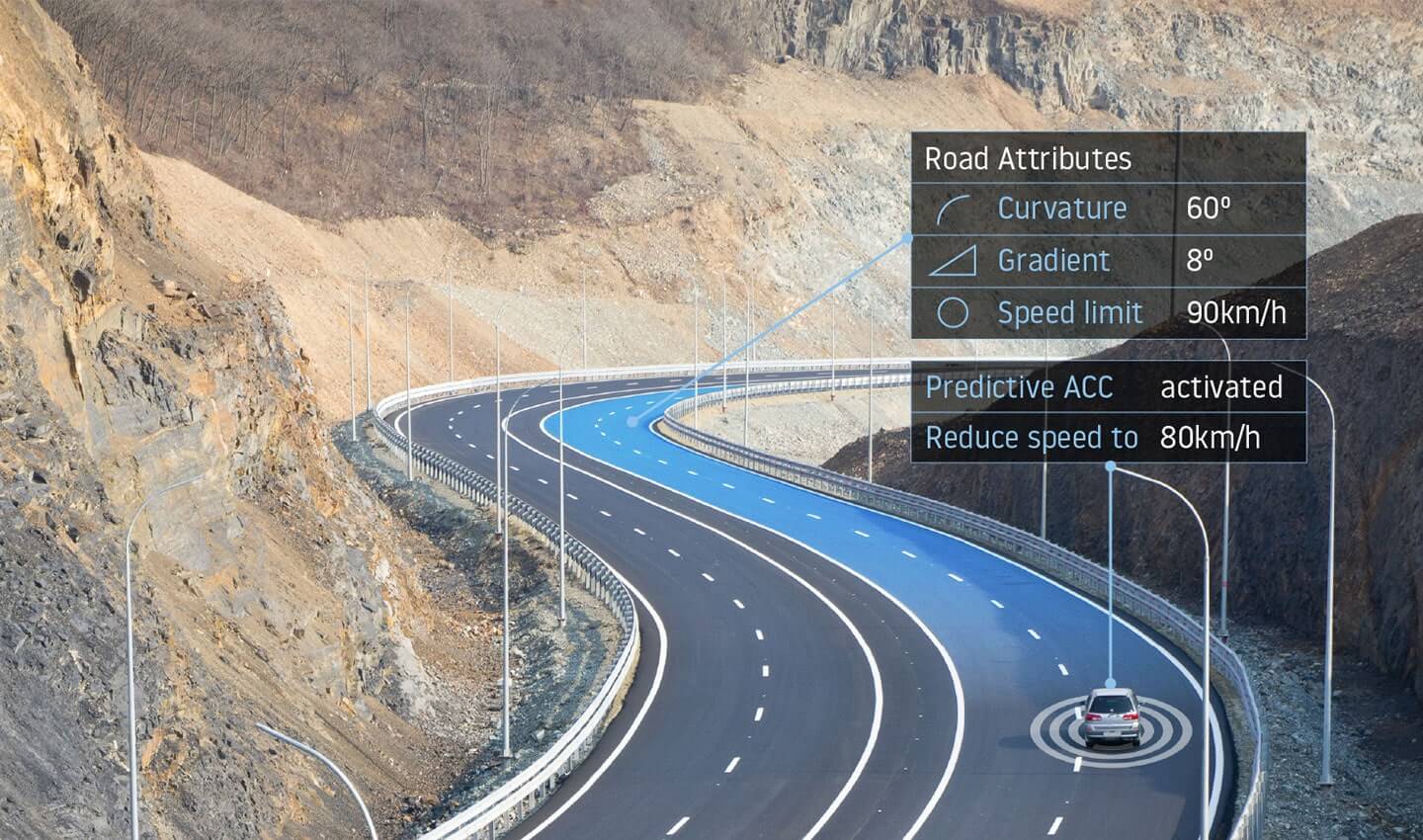
That is, while driving on adaptive cruise control, the car decides to reduce speed based on road signs and map data from the infotainment system. For example, if you’ve set a route and are driving on ACC, and the route turns right at the next intersection, the car automatically slows down to prepare you for the turn.
This system only works based on the maps built into the infotainment system, since that’s where the information about speed limits, road surface type, curvature, and so on is stored. Speed limits are taken either from the navigation maps or from real road signs recognized by the assist camera. Signs from the assist camera take priority over the limits in the navigation maps.
Predictive adaptive cruise control can work without setting a final route. You can simply drive on adaptive cruise control and predictive will engage automatically — it will just notify you less often about intersections, roundabouts, and so on.
What’s needed to activate pACC on the Audi A3 8V:
- adaptive cruise control radar
- front assist camera
- up-to-date navigation maps in the MIB2 High infotainment system
- the correct activated SWaP codes in the adaptive cruise radar
- special firmware and parameter set for the adaptive cruise radar
- the correct firmware for the Virtual Cockpit instrument cluster
To activate pACC, the radar needs to have one of the following SWaP codes:
SWaP codes
- 10009101 ACC-Funktionserweiterungs-Paket u0022predictiveACCu0022
- 10009103 ACC-Funktionserweiterungs-Paket u0022predictiveACC u0026 StauAssistentu0022
In the article about activating ACC I already wrote about how to generate and activate these SWaP codes.
Since my radar is a 5Q0907572G, it needs to be flashed with firmware 5Q0907572R 0771 and loaded with a parameter set that has pACC activated. You’ll find all of this in the same place as the SWaP code generator for the radar.
Note: the parameter set in the archive is meant for the European-market A3; if your car is a US-market one, the parameter set needs to be edited to remove the check for European-market production. Also an important note: pACC was never available from the factory on the Audi A3 8V, so this parameter set is based on the VW Passat — the author simply adjusted the radar’s position for the A3.
Next, you need to check the Virtual Cockpit firmware version. Mine was as follows:
17 Instrument cluster
- SW version: 0069
- HW version: H10
- VW/Audi part No.: 8V0920894A
- Hardware part No.: 8V0920894
As you can see, my software version is 0069, and pACC won’t work here — or rather, there will be no notifications from it.
VC software that supports pACC: 0047, 0109, 0150, and most likely newer versions after 0150.
I found a verified firmware, 0109 — this solution isn’t public, so I can’t share it here. 0150 can be found on mibsolution (guest, guest), but I haven’t verified it myself.
Note: the Virtual Cockpit is the same for the gasoline and e-tron versions of the Audi A3, so there’s no split between gasoline/diesel/e-tron/g-tron firmware — it’s shared across all of them, the difference is only in the coding.
01.03.2024 Important: if you have the e-tron version cockpit, version 0150 has bugs in the icons and other graphics; if you try to downgrade, the odometer will show 999999 km — meaning the EPROM most likely gets corrupted, and there’s currently no known fix for this. The verified firmware for the e-tron cockpit is 0109 — use that one.
It’s also said that anything above version 0109 is meant for the Audi Q2 cockpit.
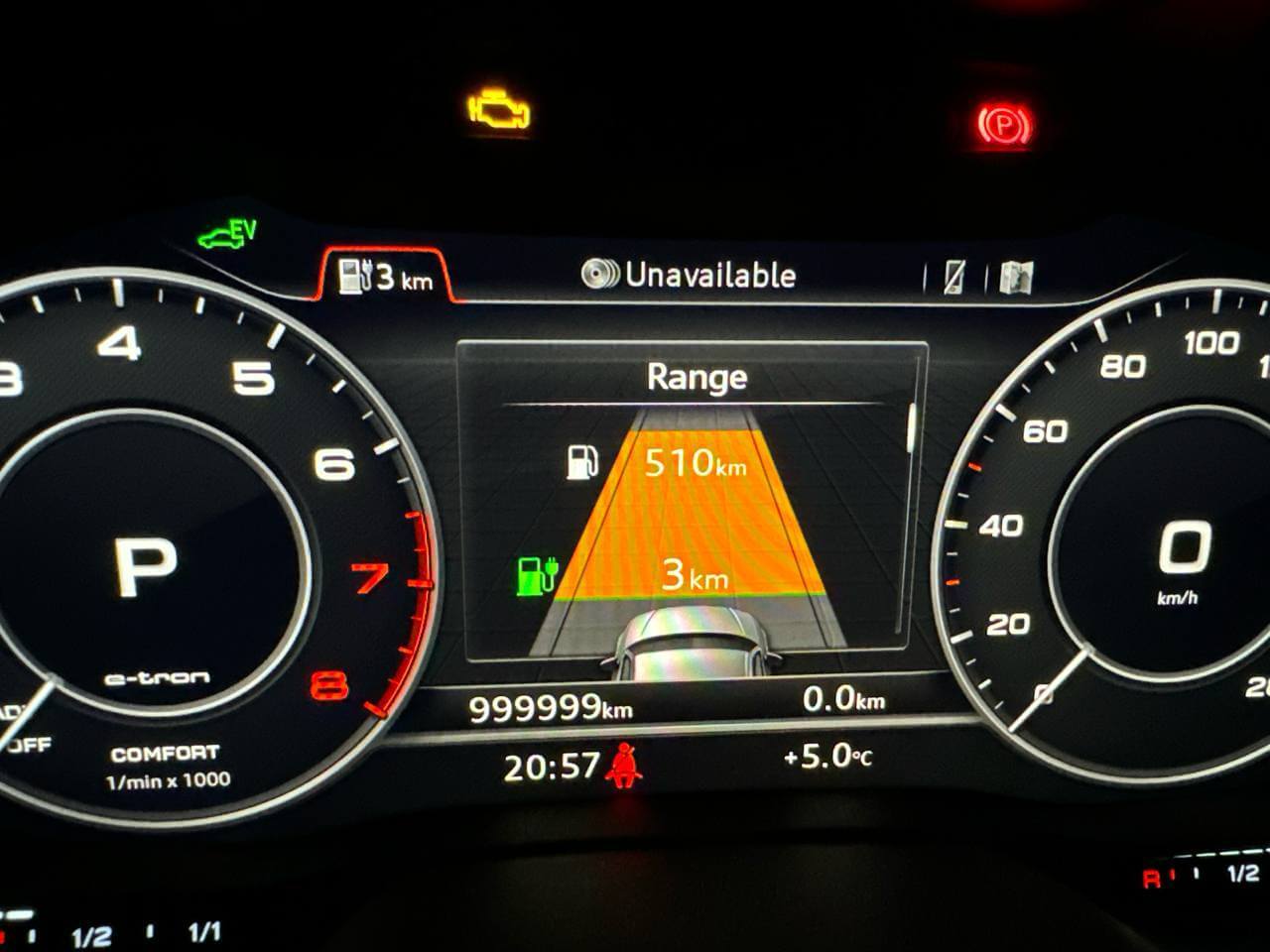
After flashing the radar, activating the SWaP code and flashing the Virtual Cockpit, you need to code the 13 ACC, A5 Front Camera and 5F Multimedia modules:
13 Adaptive Cruise Control
Long coding
- [LO]_Traffic_sign_detection:t [VN]_activated
- [LO]_Speed_limit_assistent: [VN]_activated
- [LO]_Curve_assistent: [VN]_activated
- [LO]_Inno_drive: [VN]_installed
- [LO]_Position_sensitive_detector: [VN]_installed
- [LO]_Tempolimitassistent_CarMenu: Take the allowed speed from signs into account (menu item in the infotainment system) [VN]_activated
- [LO]_Kurvenassistent_CarMenu: [VN]_activated
- [LO]_zul_Regelabweichung_CarMenu: Menu item for the allowed speed deviation: small 10 km/h, medium 20 km/h and large 40 km/h [VN]_large
- [LO]_Sailing_function: [VO]_predictive_sailing
- [LO]_pACC_Regulation_on_priority: [VN]_activated
- [LO]_pACC_Reaction_to_end_of_traffic_jam: [VO]_Regulator_adaptation_with_speed_adaptation
- [LO]_pACC_Learning_drivers_offset: Adds the allowed speed deviation on top of the current limit. The first time it's done manually — when a sign is recognized, you set cruise +20 km/h, for example. After that, ACC will automatically apply the offset on top of the sign by itself. [VN]_activated
- [LO]_pACC_Reaction_to_narrow_places: [VO]_Regulation_on_dynamic_and_static_obstacles
- [LO]_pACC_Reaction_to_local_hazard_information: [VN]_activated
Adaptations
- [LN]_par_Predictive_speed_limit_control: [VN]_activated
A5 – Front sensor for drivers assistant systems
Long coding
- [LO]_PSD_Version: [VO]_PSD_15
- [LO]_Personalized_key: [VO]_Version_1.x
- [LO]_VZE: [VO]_Coded
Adaptations
- [LN]_Road_sign_recognition_fusion_mode: [VN]_Road_Sign_Fusion
- [LO]_Par_relevance_mode: [VO]_enabled
- [LO]_Par_country_mode: [VO]_Manuel
- [LO]_Par_country_code_RSR: 205
- [LO]_Par_country_code_VZF: 205
5F Information electronics
Long coding
- [LO]_byte_24_psd: [VN]_active
Adaptations
- [LO]_menu_display_Curve_Assist: [VN]_activated
- [LO]_menu_display_Curve_Assist_clamp_15_off: [VN]_not_activated
- [LO]_menu_display_Curve_Assist_over_threshold_high: [VN]_activated
- [LO]_menu_display_Curve_Assist_standstill: [VN]_not_activated
- [LO]_menu_display_Curve_Assist_after_disclaimer: [VN]_not_activated
Next, a new submenu about predictive data will appear in your adaptive cruise control menu:
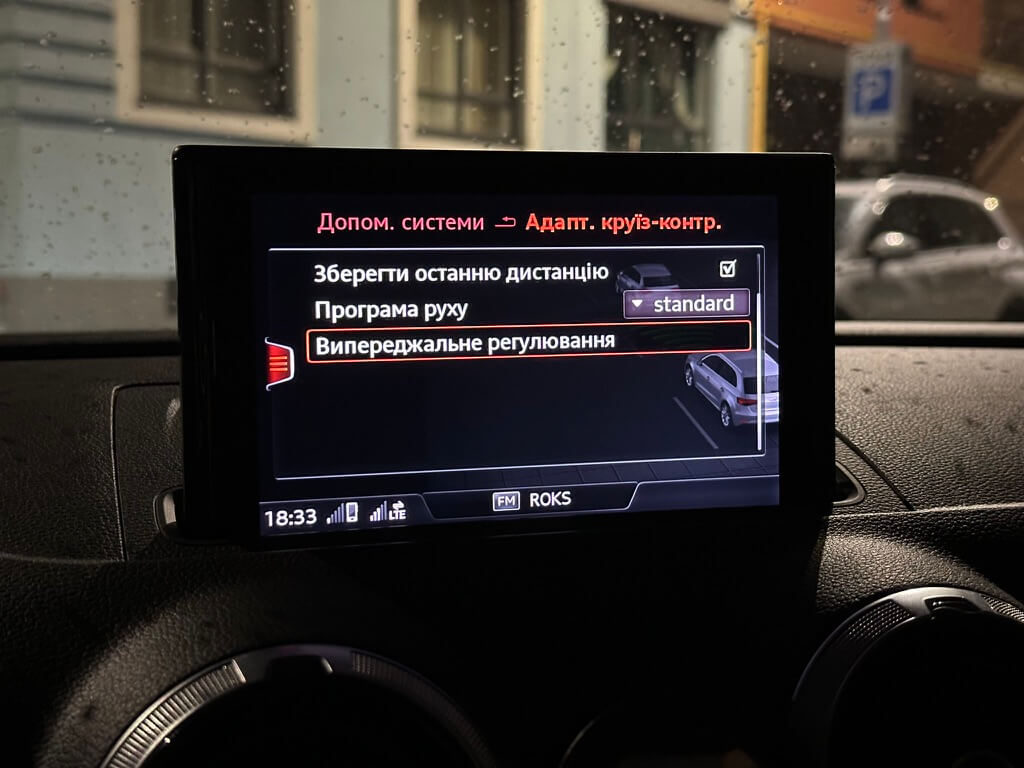
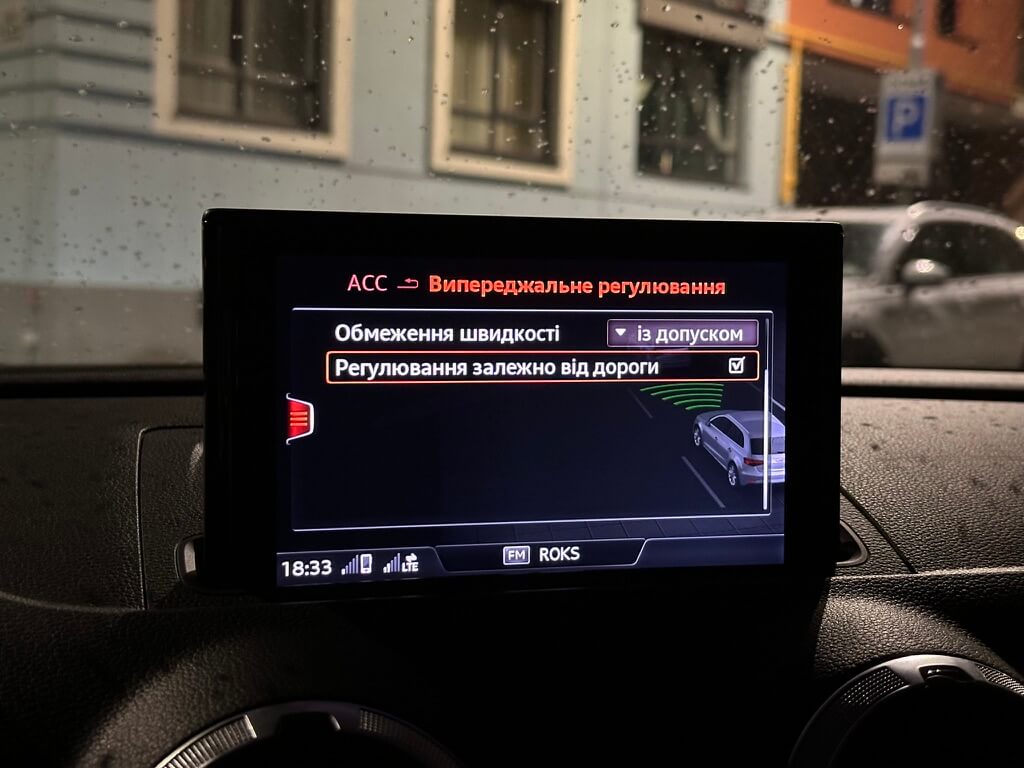
Here you’ll find the speed limit settings: strictly by the posted signs or with a margin, as well as speed adjustment depending on the road profile, its curvature, and so on.
Next, for a test, we turn on the strict speed limit, set a route and head out, driving on adaptive cruise control. The car should notify and slow down before: intersections, roundabouts, entrances/exits of interchanges, whenever there’s a speed limit for that stretch of road.
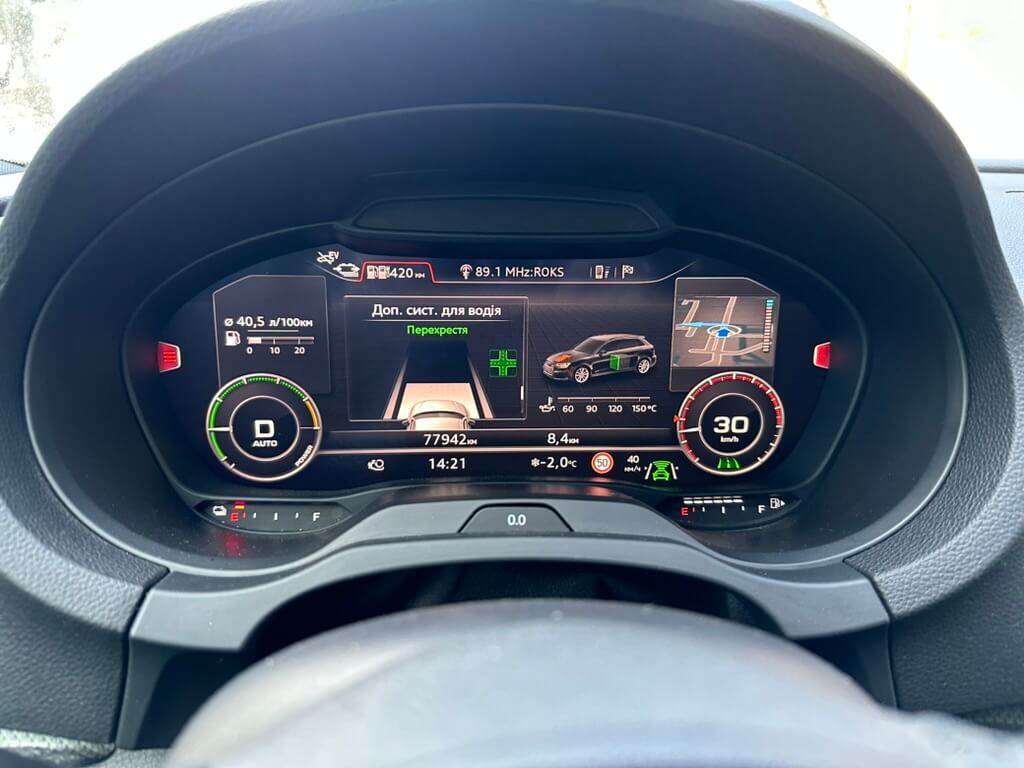
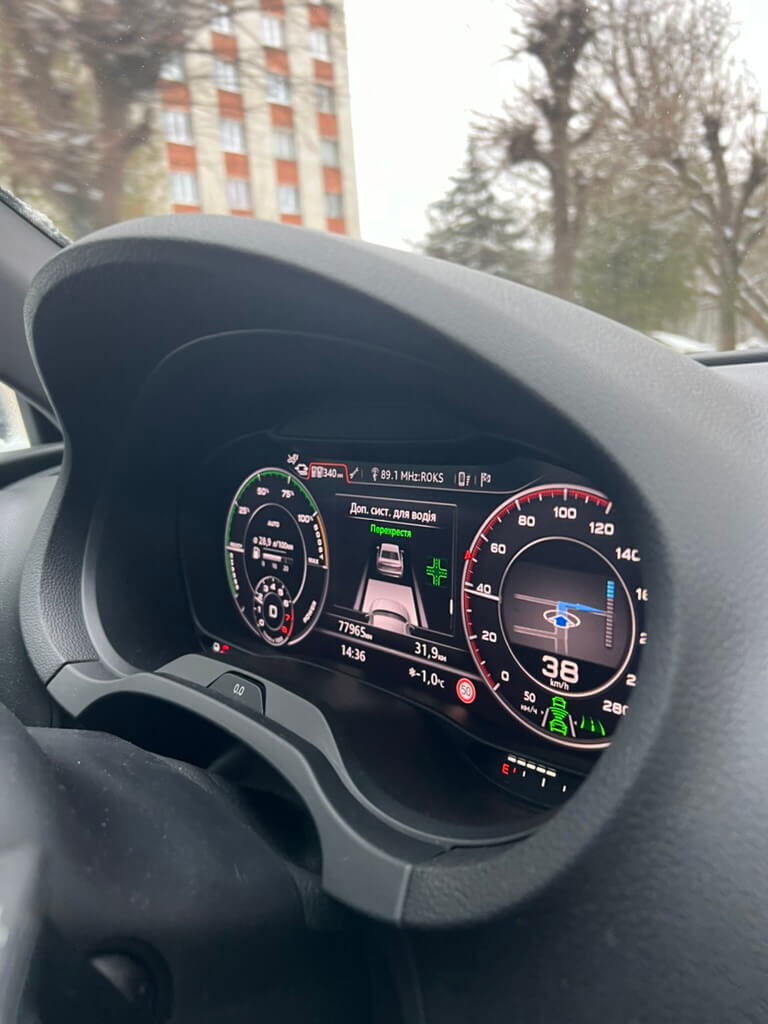
In the city it’s probably not the most useful thing, but on the highway it really shines.