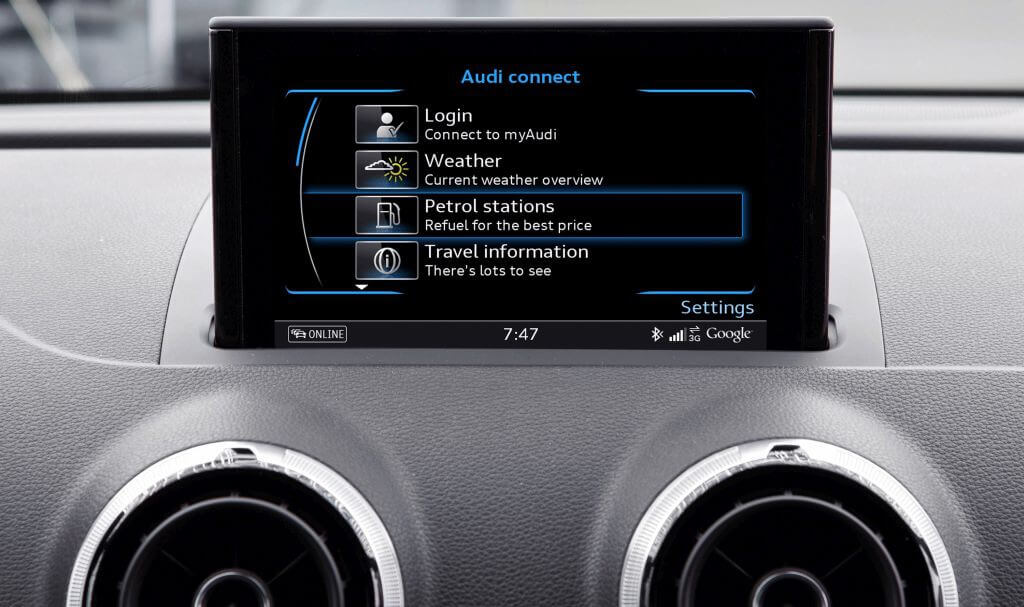
I already wrote earlier about replacing the LTE module in the MIB2. At the time I figured it would be the first step toward trying to get Audi Connect working in the car.
Audi has a few kinds of licenses:
- Audi Connect CARE – the one everyone gets when buying the car; in the US it isn’t time-limited, and it gives access to the car through the myAudi app – range info, remote climate control, charging, unlocking the doors, and so on.
- Audi Connect NAV/PLUS – a subscription license costing $150/year for the NAV version and $250/year for the PLUS version. This is the Audi Connect used in the infotainment (MIB): satellite map view, parking info, live traffic, fuel prices, and so on.
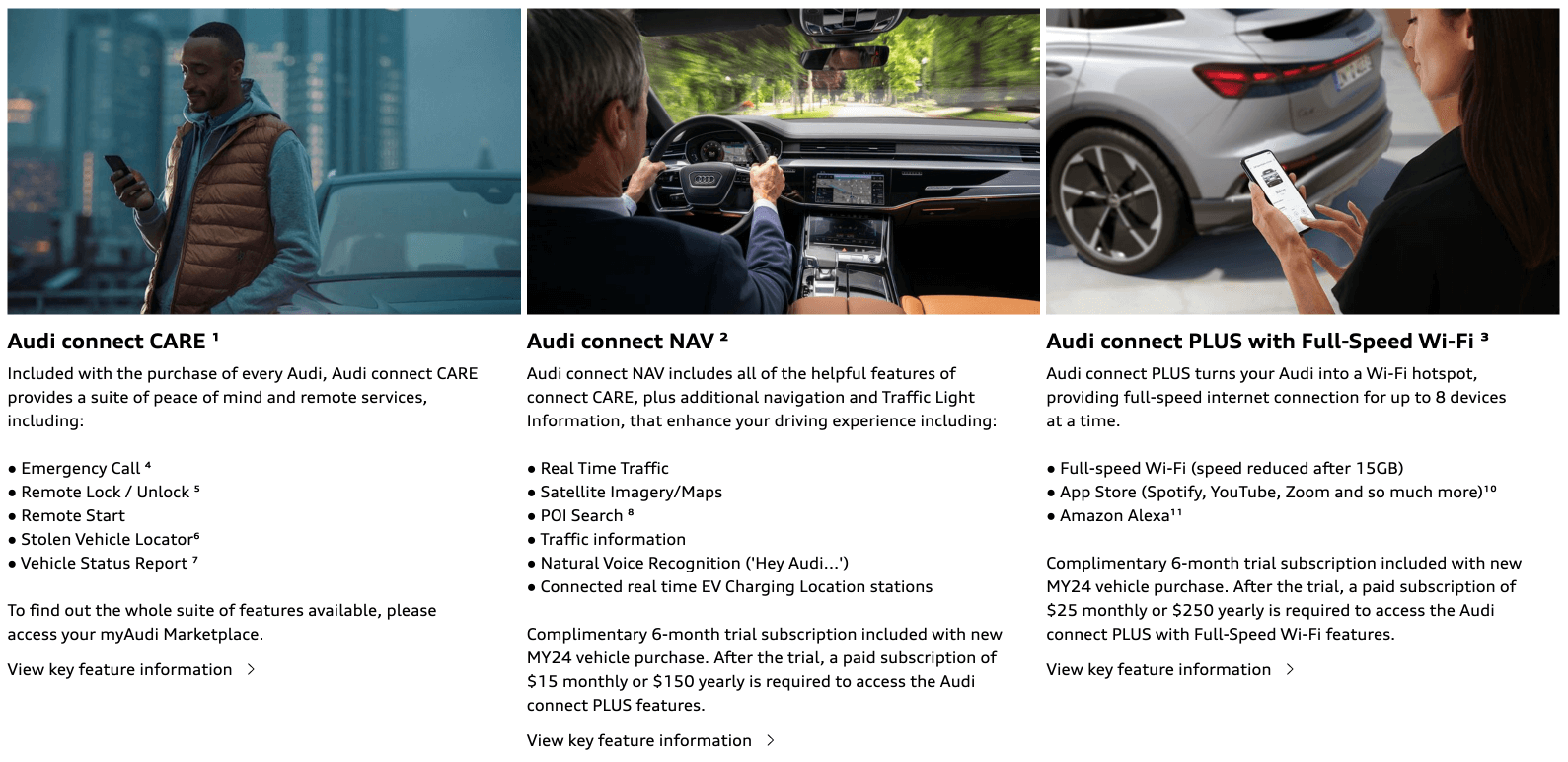
Any of the licenses above requires a myAudi account and confirmation from a US dealer specifically – since the car is for the US market, so are its services. A European dealer can’t confirm a US account.
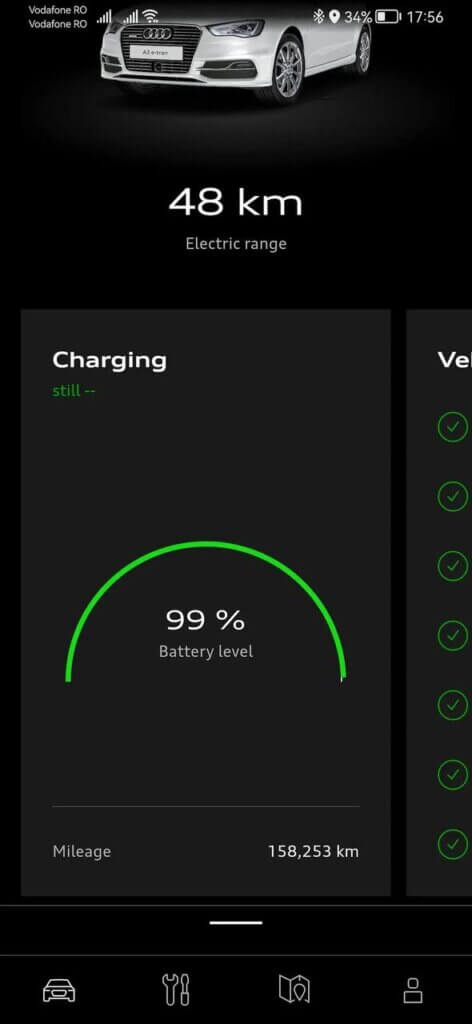
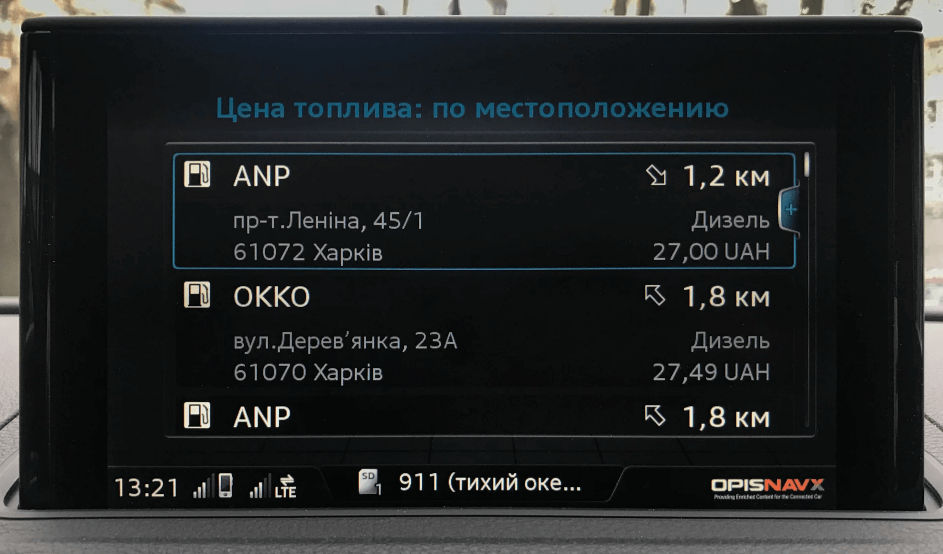
After replacing the LTE module, license info showed up in the infotainment, and as far as I can tell, when the car was sold in the US there was a 6-month trial subscription that nobody ever renewed after that.
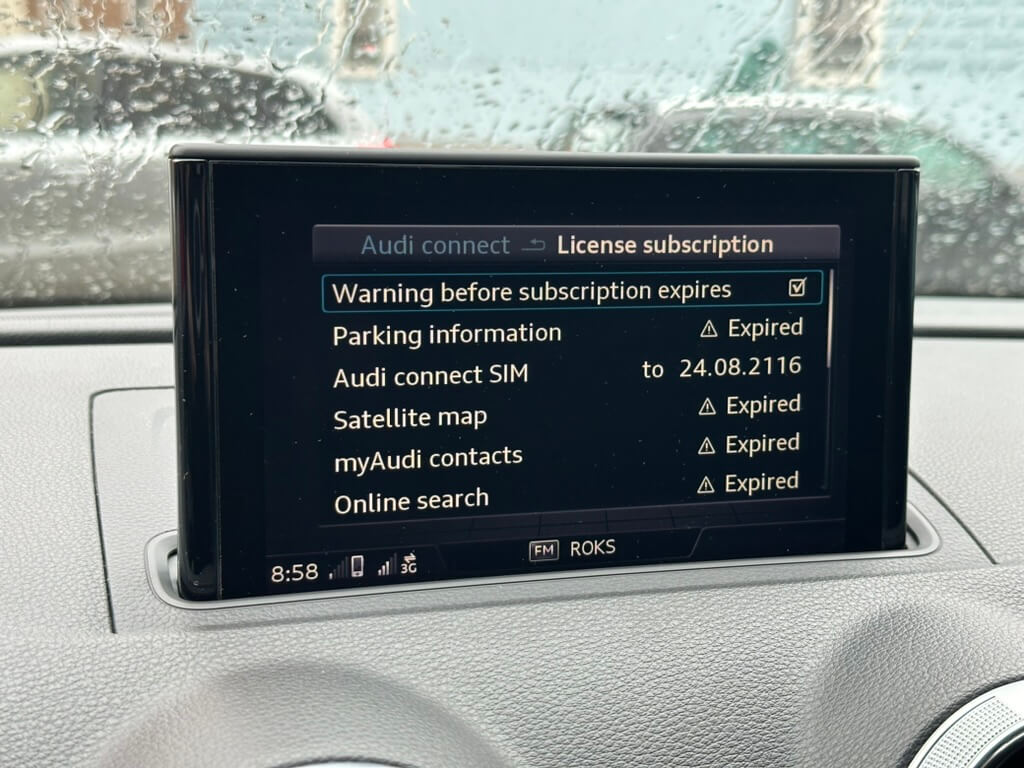
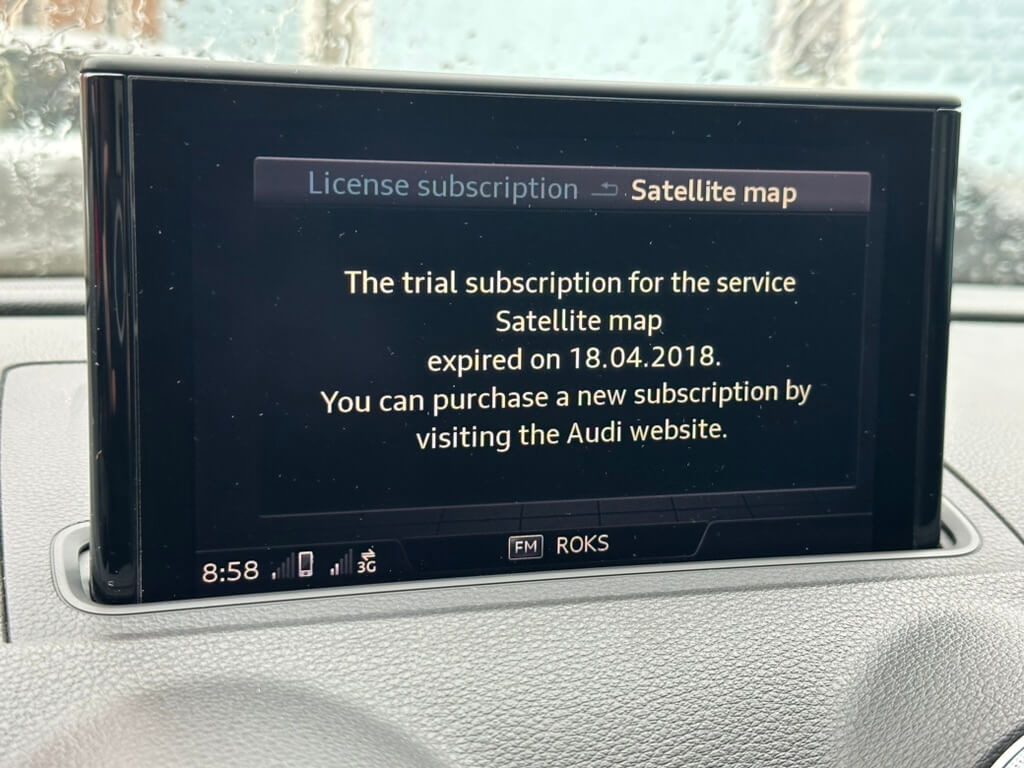
And I wanted all of it to work – $150/year isn’t a huge amount for satellite map view, live traffic, fuel prices, and so on.
First, you need to register a myAudi account and make sure to pick the US region during registration (since the car is for the US market). Then fill in your personal details, ideally with a US address and contacts, since the dealer sees this data. Next, add your car by VIN, ignoring the key-tag code field (it’s not needed). Then you need to link the myAudi app to your car’s infotainment, entering the code from the app into the infotainment system. And finally, all that’s left in the app is a single message saying the car needs to be confirmed by a dealer.
So I started looking for a way to get the myAudi account confirmed. I opened a map of the US, found Audi dealers, and checked their chat or email. I wrote to all of them asking them to confirm my account; most of my email requests were ignored, and chatting online with a dealer usually ended with a promise to follow up and sort it out, but in the end nobody ever got back to me. Americans mostly communicate by phone. A couple of times I was told to come to their office and they’d take care of it… If you tell them the car – and you – aren’t in the US, they immediately start ignoring you and saying it’s impossible to confirm the account.
Finding a US dealer’s email turned out to be hard – none of them list it in their contacts. So I got the idea to write to a dealer in Canada, since Canada is also part of NAR (North America Region); I found a few dealers on the map and wrote to several of them.
And one dealer replied, asked for documents, and confirmed contact details. As proof of ownership I provided the auction invoice, after blacking out the buyer’s country beforehand. And that actually worked – my account got confirmed. I got this email:
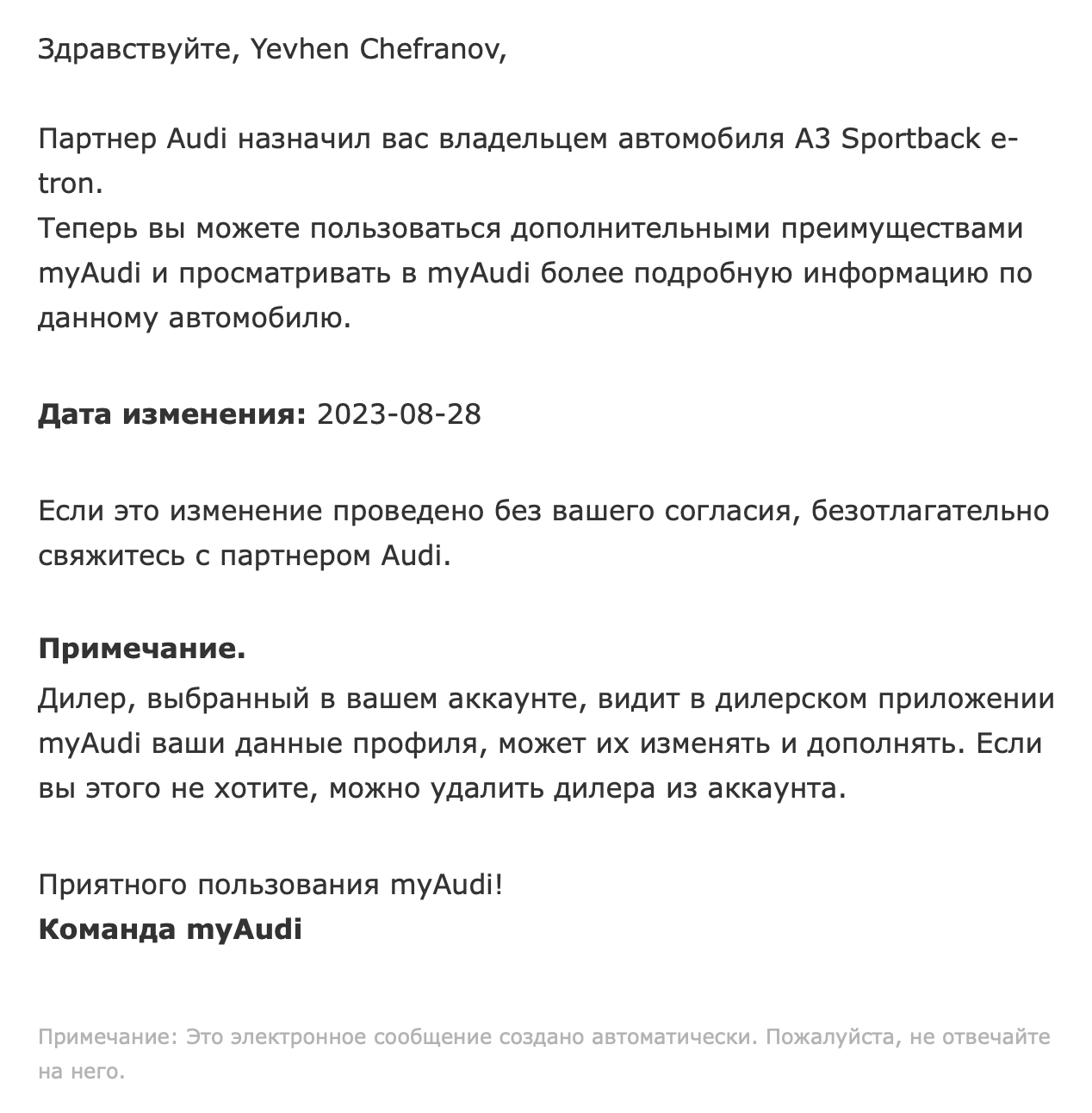
In the myAudi app, my account for Canada picked up the car’s trim details and a “verified account” badge.
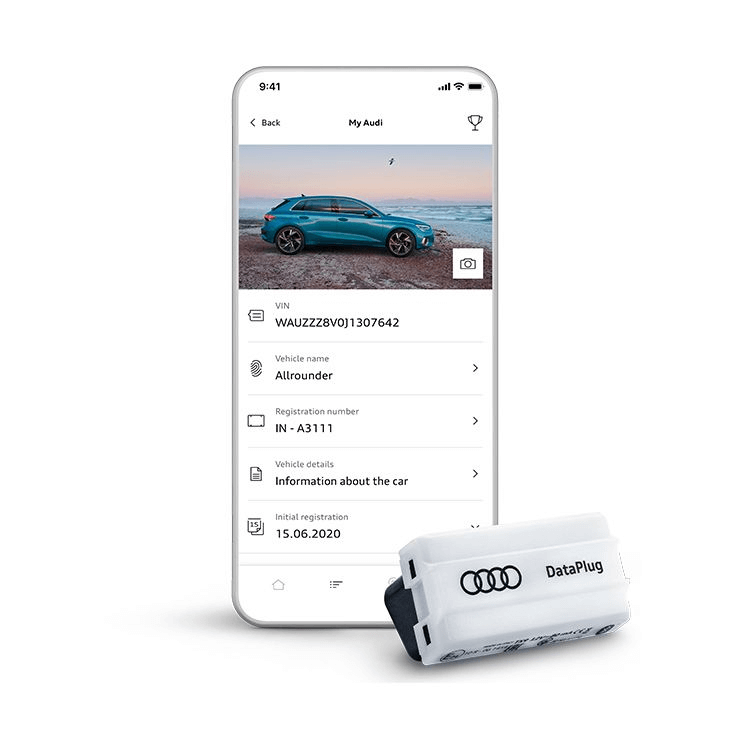
I was already happy about it, but it turned out not to be that simple. The dealer immediately emailed me saying there were no subscriptions/licenses for my car and modestly suggested buying an Audi DataPlug (81A051629) – a device that plugs into the OBD port, reads various data, and sends it to your phone.
Also, it later turned out that Canada is a different region after all, and I needed to find a dealer specifically in the US to confirm the account. Later, while “playing around” with the infotainment firmware, I lost the Canadian dealer’s confirmation.
I kept looking for a way to get confirmed specifically in the US. And by chance, in a group, I found a Russian-speaking person living in the US who happened to be about to visit a dealer for his own business. I asked him to check with the dealer whether they could confirm my car and sent him the account details and invoice.
And lo and behold! The dealer confirmed everything without any issues. In my US account I now had an “owner” badge and an extra menu. The car’s status data didn’t come through, though.
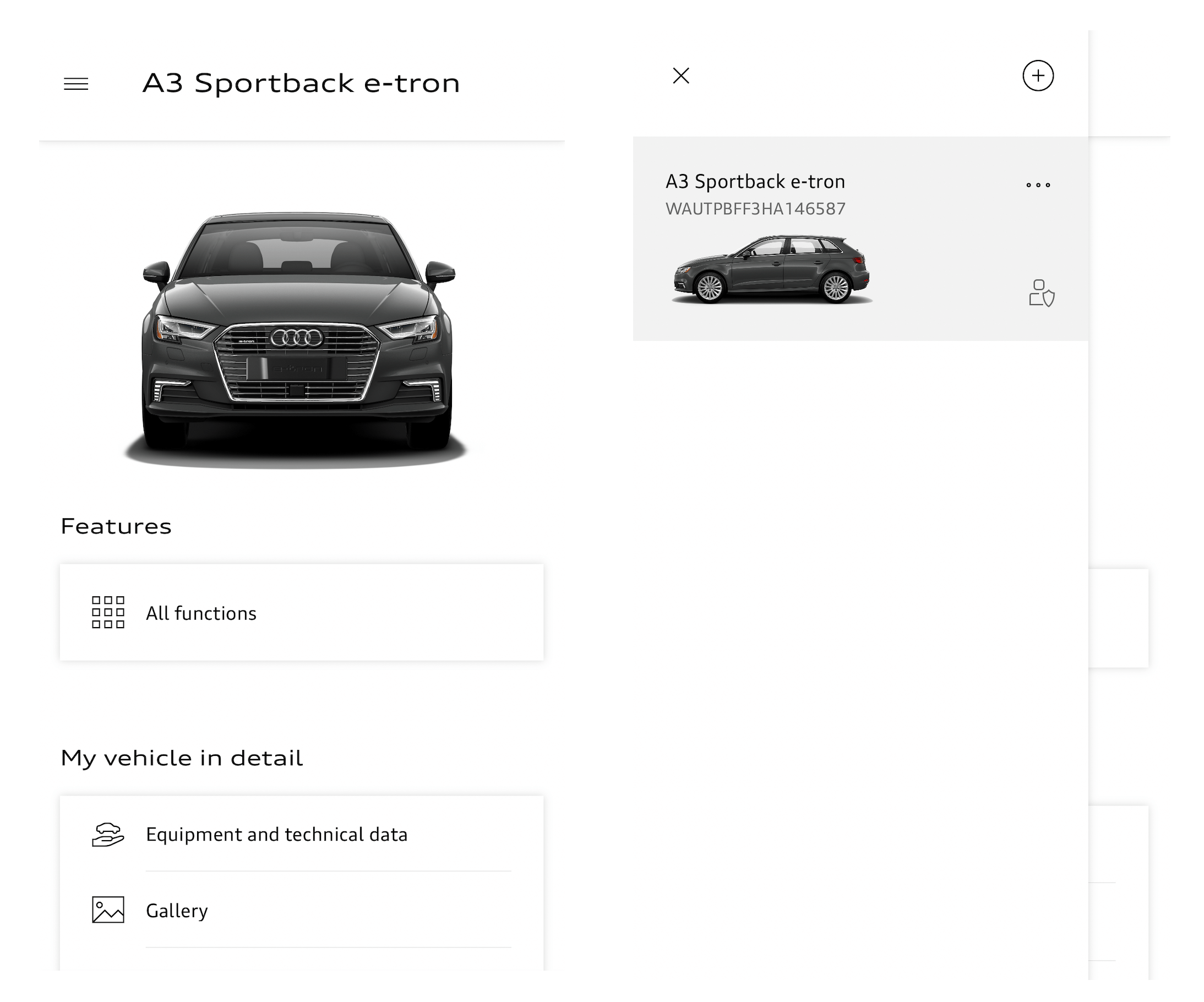
But the store on the phone isn’t accessible if you’re not in the US, and even if you manage to get in, there’s no way to buy a license renewal there.
I started digging into why you can’t just buy a license, and it turned out that in 2022 the US began shutting down 3G networks, since they were outdated and their frequencies were reassigned to the military. So Audi’s solution was simply to pull license renewals from the store so Americans wouldn’t accidentally buy one and then be unable to activate it, and instead they offer the DataPlug, which barely does anything – it basically just tracks distance driven and counts down to the next oil change – and costs around $100.
The 3G shutdown in the US didn’t affect all cars, only roughly those older than 2018-2019. Audi made a dedicated FAQ where you can check whether your model is affected.
Checking my car on that page, I saw that mine falls under it 🙁
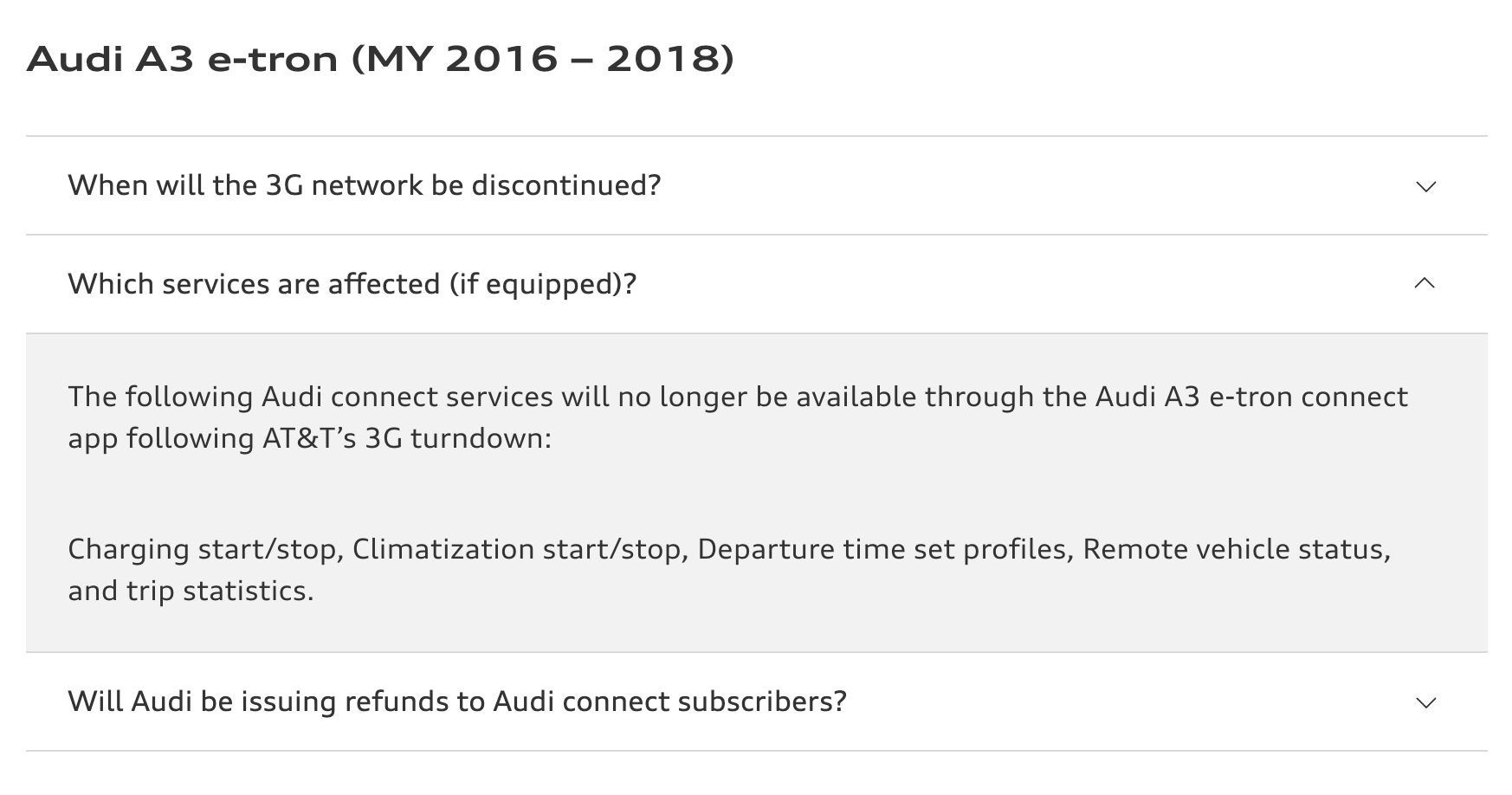
At first I wondered – what does 3G have to do with it? I’d reflashed the LTE chip in the MIB, and LTE is 4G, so how is 3G involved? It turns out there’s another module in the car that’s responsible for collecting information about the car and sending it to VW’s servers – the telematics unit (OCU), listed as module 75 in the car’s module list. I found information about it in the dealer manual:
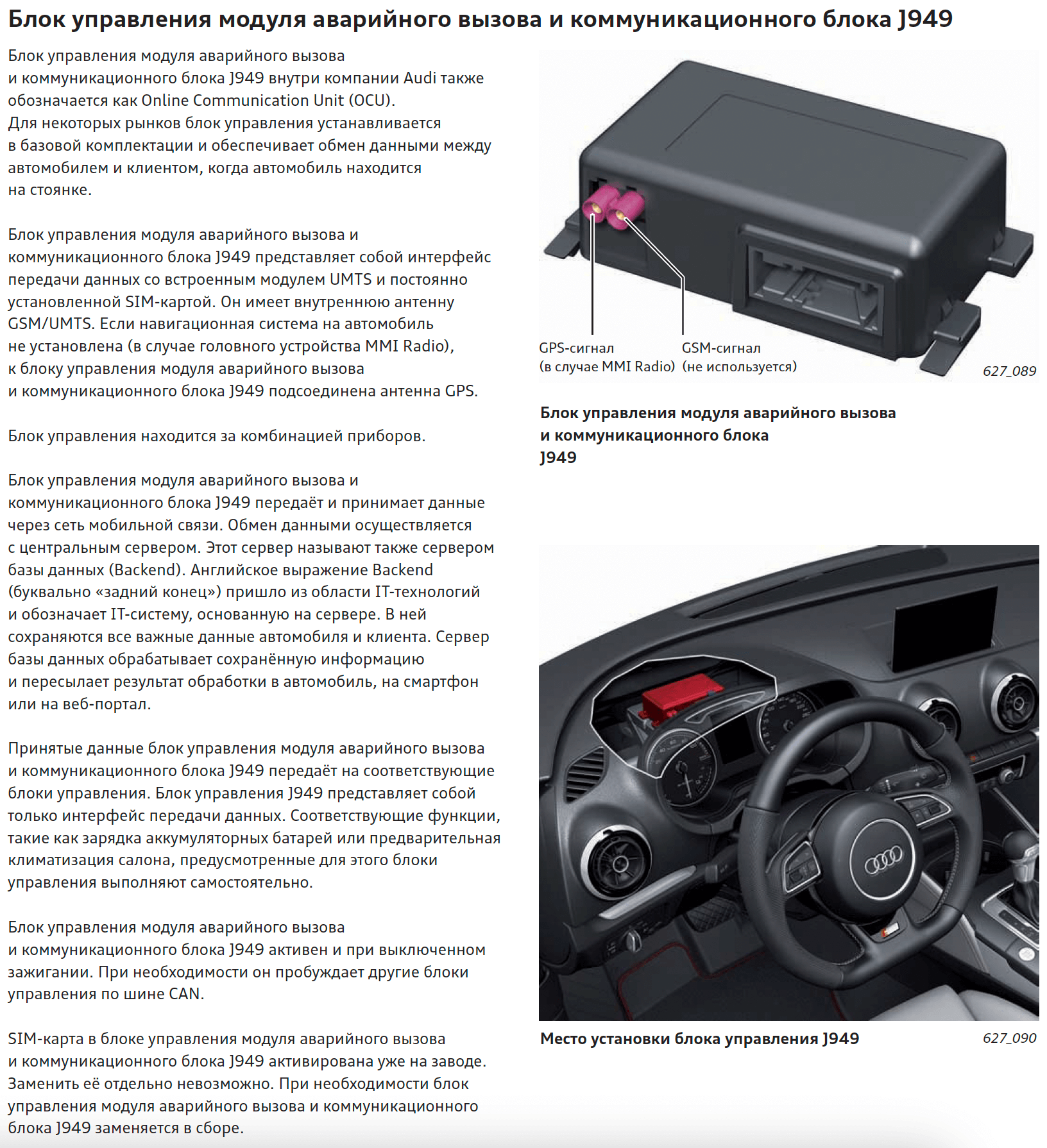

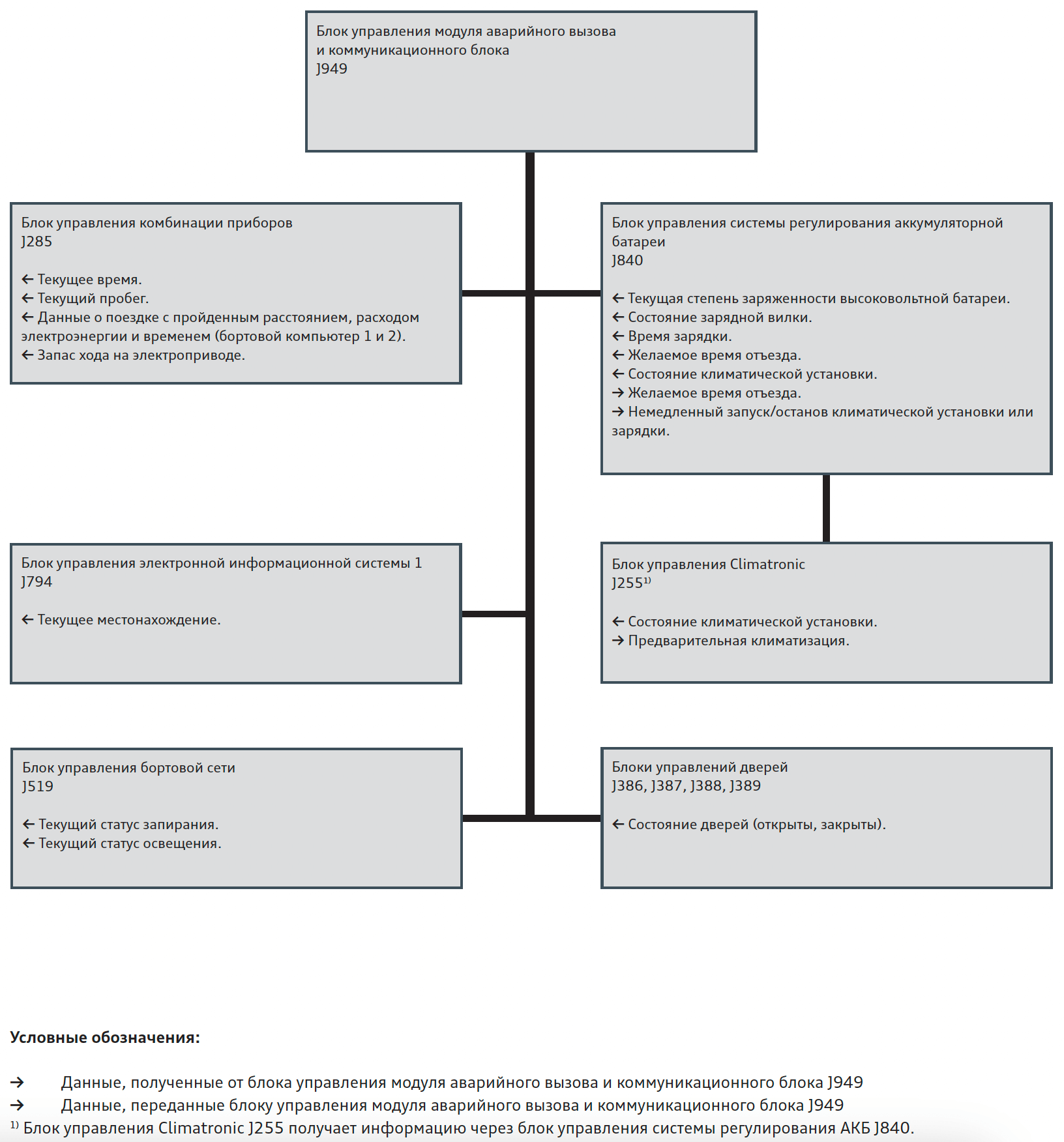
In short, the telematics unit polls all the modules, gathers information about the car, and sends it over 3G to VW’s servers, and then the myAudi user sees the car’s data in the app. This module sits on terminal 30 and works even when the car isn’t running and is parked. The telematics unit has its own battery, and you can check its charge level through measured values. It also has its own eSIM and a 3G chip that obviously doesn’t match European frequencies, and the eSIM only works in the US – no roaming. Long story short, a dead end.
After thinking about it a bit, I got the idea to check ETKA for a European telematics unit, since in European A3 e-trons everything works fine – 3G networks weren’t shut down in Europe, and won’t be for a while. I found the VIN of a European car, and yes, it has a proper European telematics unit – you can tell from the PR code.
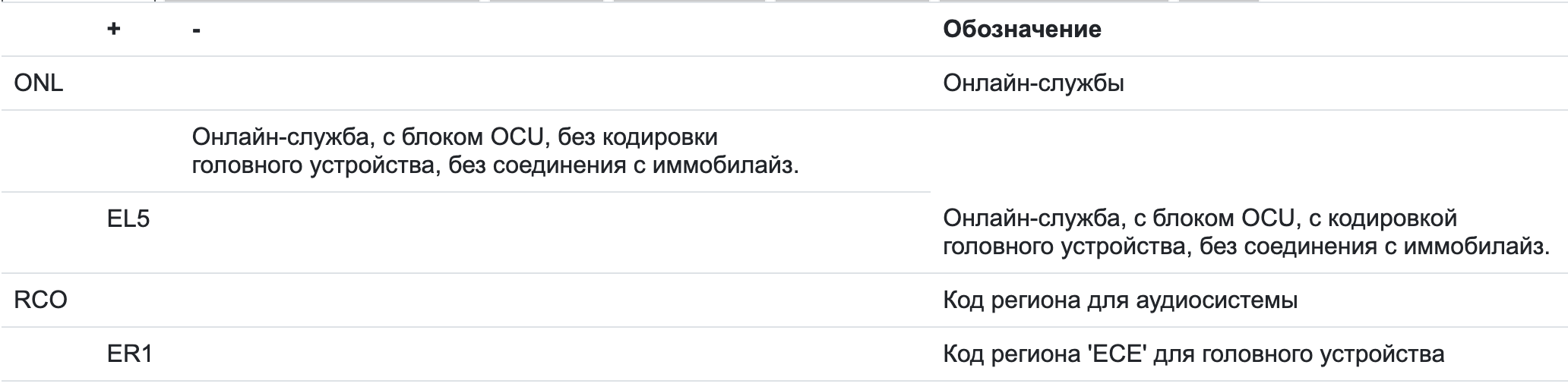
By part numbers for the A3 e-tron, it comes out like this:
- 5QE035284C – European telematics unit
- 5QE035285A – American telematics unit
I ordered a used unit on Allegro, even managed to find one from a European A3 e-tron, cost me around $40. It arrived a week later.
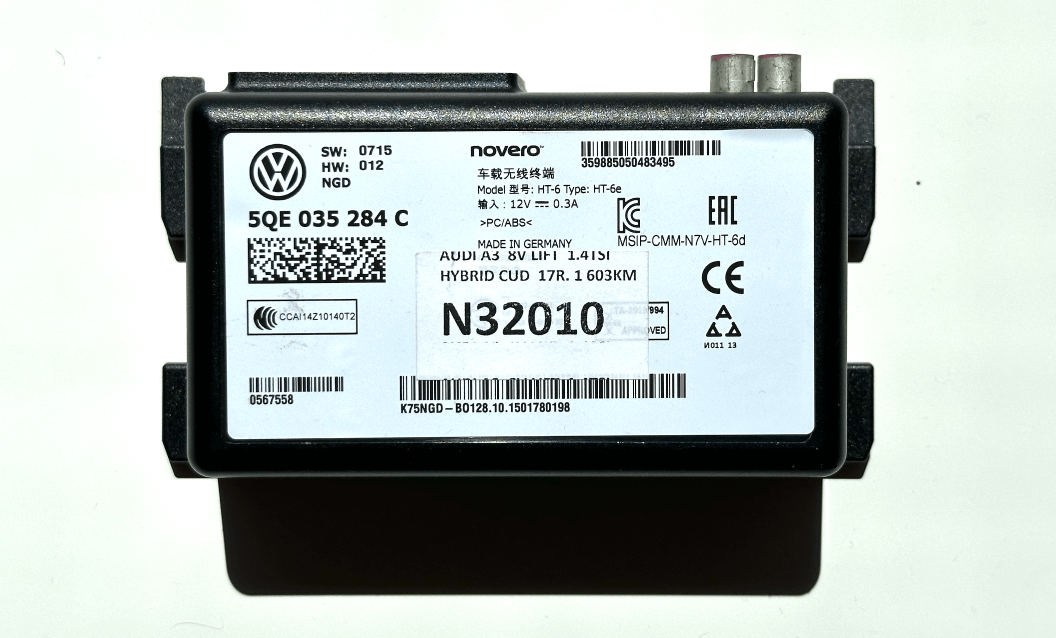
A couple of days later I decided to try installing it. Replacing the module means pulling the cockpit cluster. At first this procedure seemed scary, but once you’ve done it once, it doesn’t seem that complicated. Before removing the cluster it’s better to disconnect the battery, since I’d heard ABS coding can get lost otherwise.
The actual process of removing the cluster isn’t hard and is decently documented in ELSA – basically undo about six bolts, and the trickiest part is pulling the cluster out of the dash opening, and just as tricky is putting it back in. Then carefully unclip the connectors from the cluster.
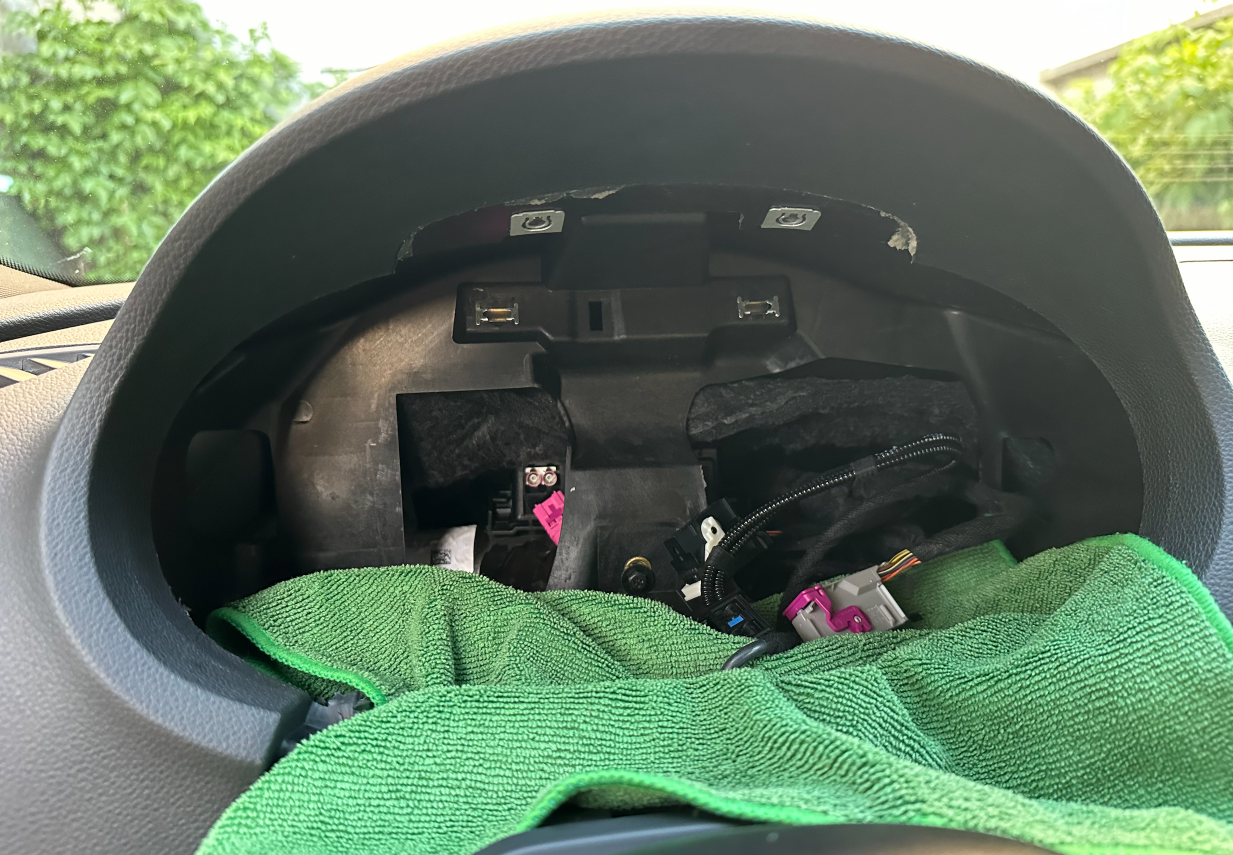
The telematics unit sits behind the center partition, which is pretty awkward to reach. You also need to unclip its connectors and press the mounting tabs to pull it out.
Then I plugged in and connected the European unit, and put everything back together. Started the car – no errors, all fine. Connected with Odis, no faults on any module, opened up the measured values:
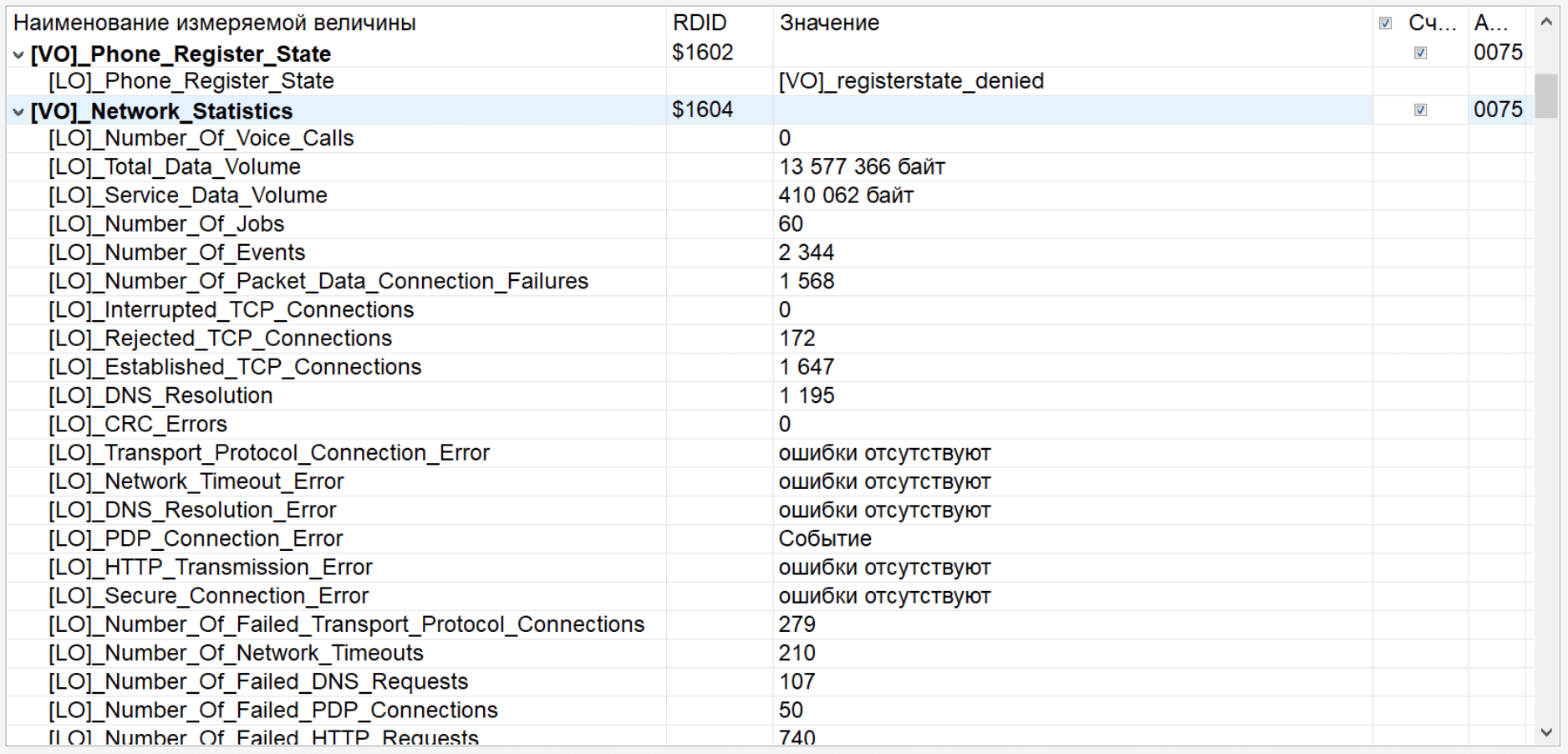
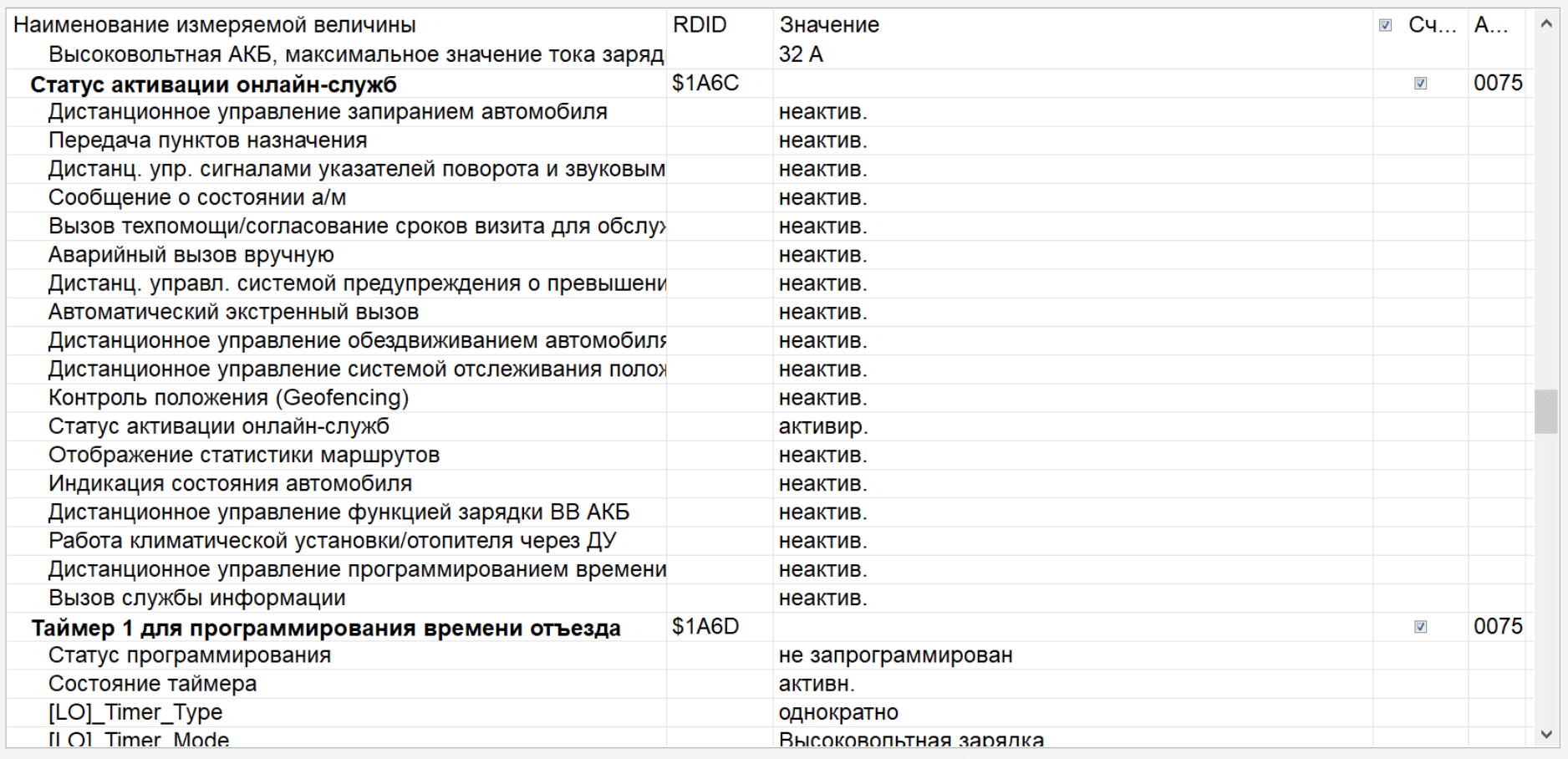
As you can see, the parameter [LO]_Phone_Register_State is set to [VO]_registersate_denied, meaning the module can’t register on the network. And naturally, the online features stay inactive. I also tried doing a “module replacement” through Odis – all the steps up through pulling the parameters completed successfully, but it didn’t help.
I started digging for information about telematics units and found a mention that the module apparently needs to be replaced only with a new one, and most likely only with the same type – i.e., an American one. There’s still a chance of swapping in a European one, but the key is that the built-in SIM has to bind to the car’s VIN on VW’s servers; if a VIN has already been bound to a module once, it won’t work on another car. New units cost around $800, and that’s too much spare cash to burn on experiments.
I also checked the measured values on the American unit:
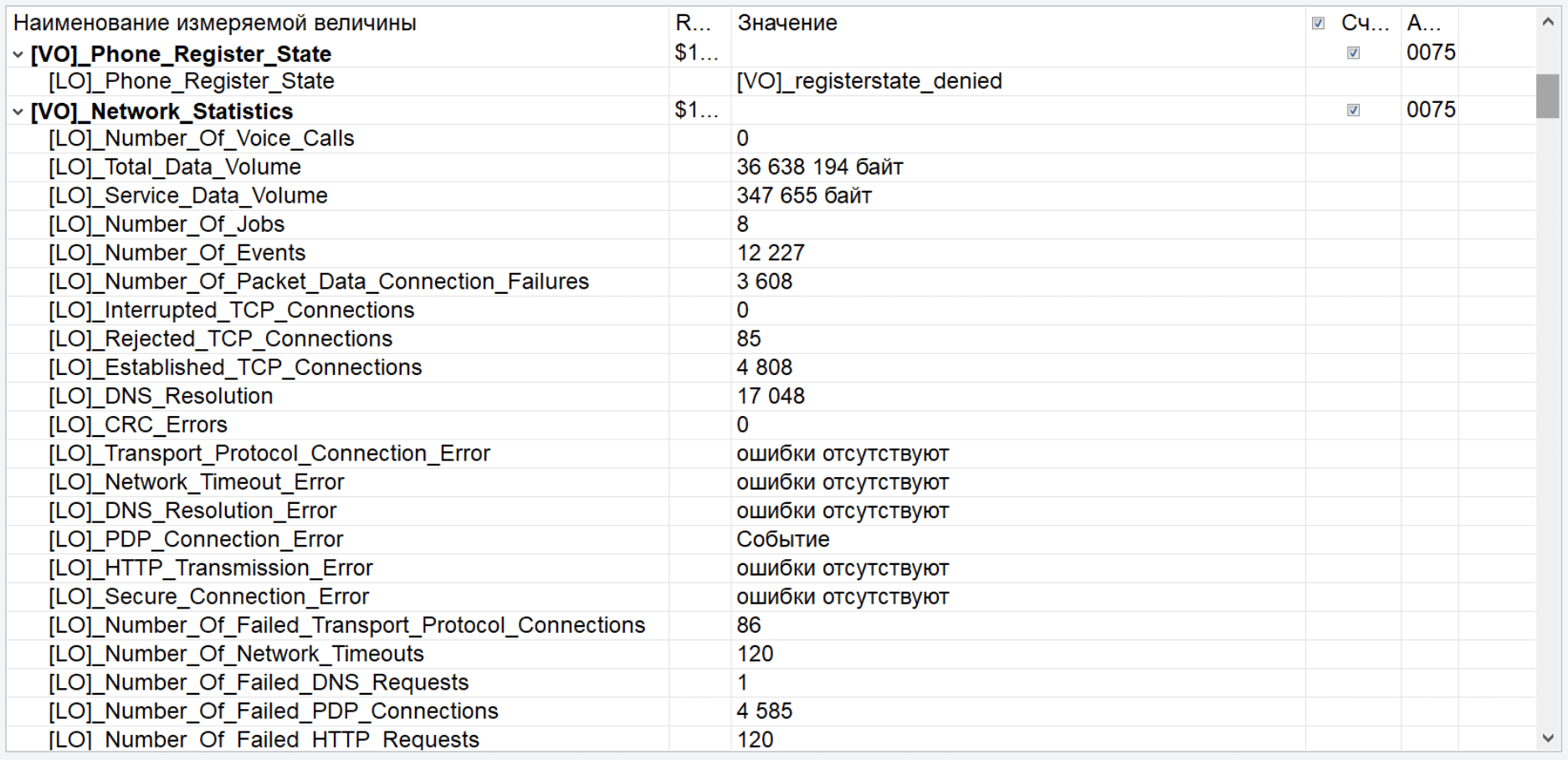
Same picture there…
Just out of curiosity I took apart the American telematics unit, trying to spot a 3G chip similar to the one in the MIB2 module, but didn’t find anything like it.
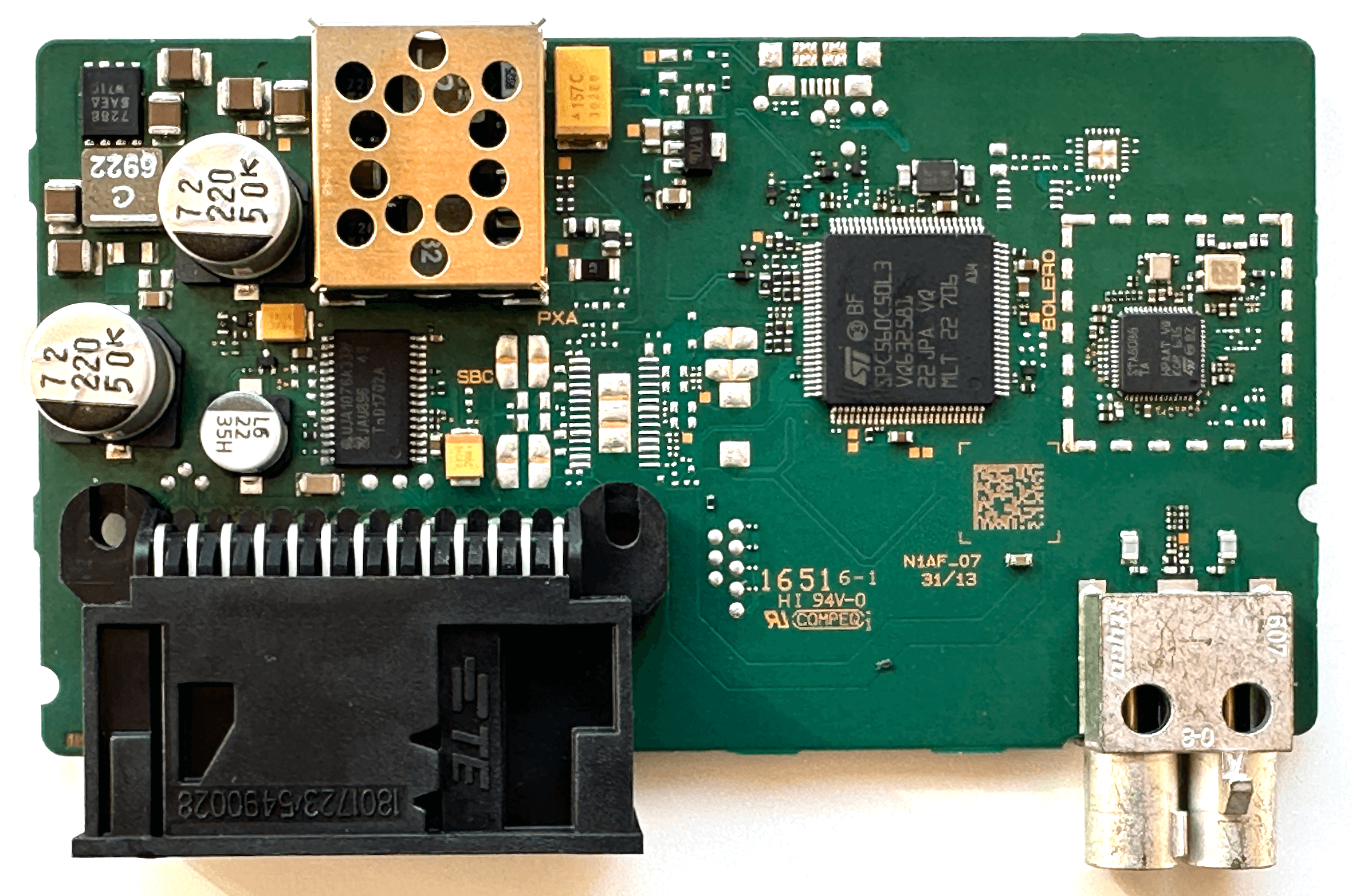
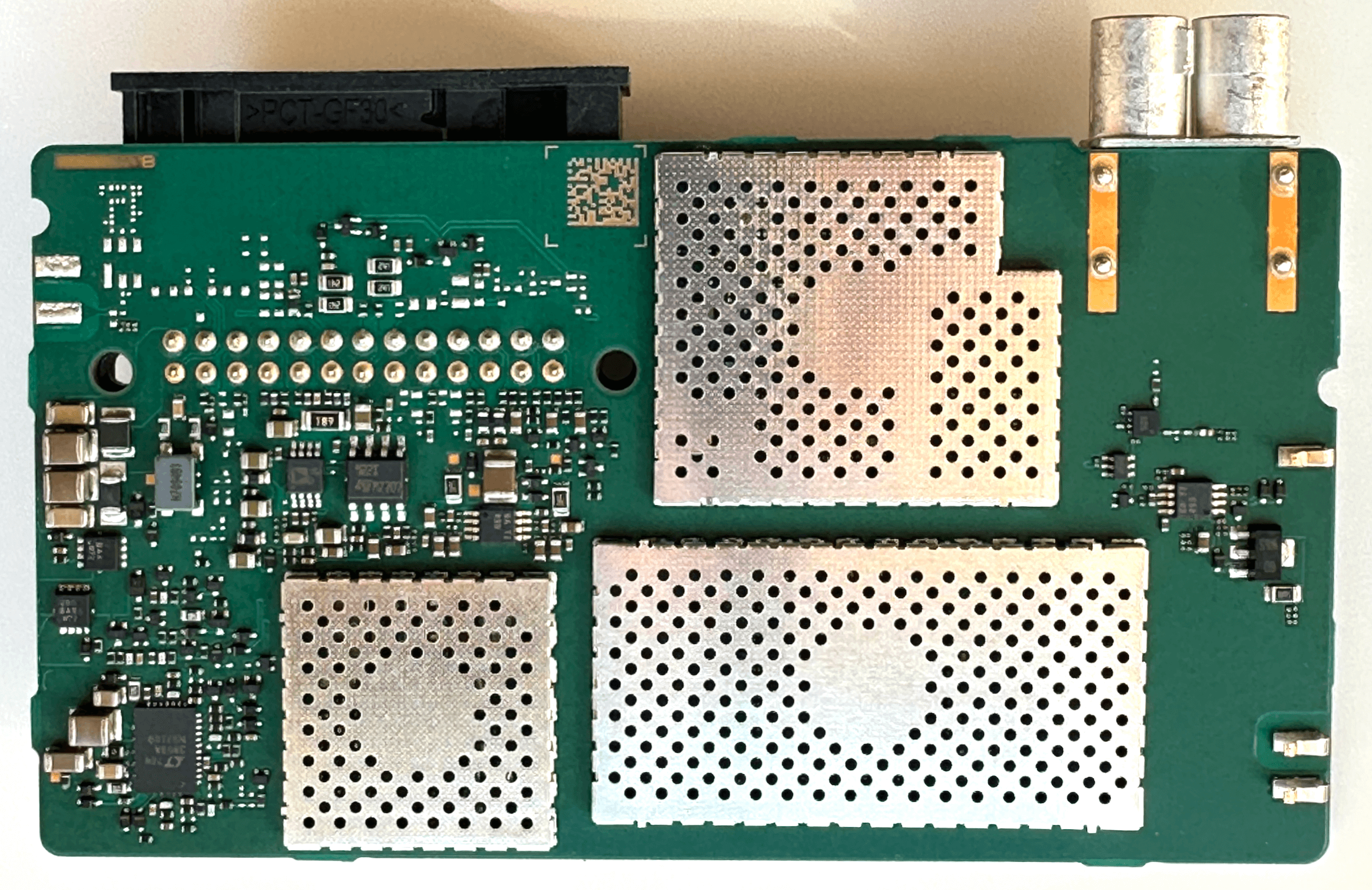
So that covers the attempt – and failure – to use Audi Connect CARE, i.e. trying to pull car info and control the car through the myAudi app.
But there’s also Audi Connect NAV – services (fuel prices, weather, live traffic, etc.) that run through the infotainment and aren’t tied to the telematics unit.
Same dead end there – the in-app store won’t let you in if you’re not in the US, I tried with a VPN and couldn’t get around it. And on the myAudi website you can’t just open the store either; I figured it checked by IP and tried through a VPN, but nothing worked, and it finally worked once I spoofed my GPS coordinates to the US – which, luckily, is easy to do in Google Chrome.
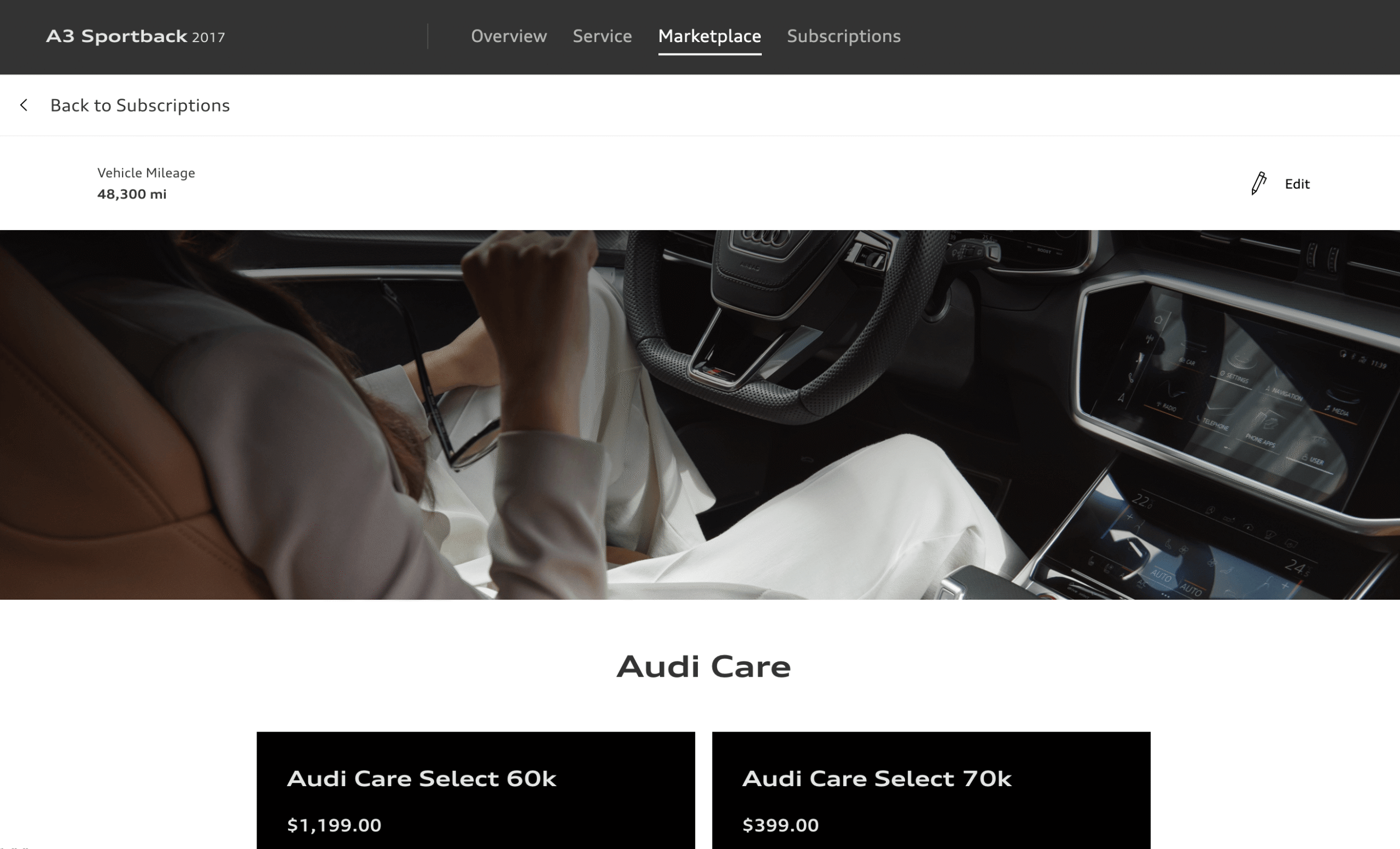
But there’s nothing related to Audi Connect in the Marketplace:
And on the subscriptions page only one is active – Audi Connect CARE:
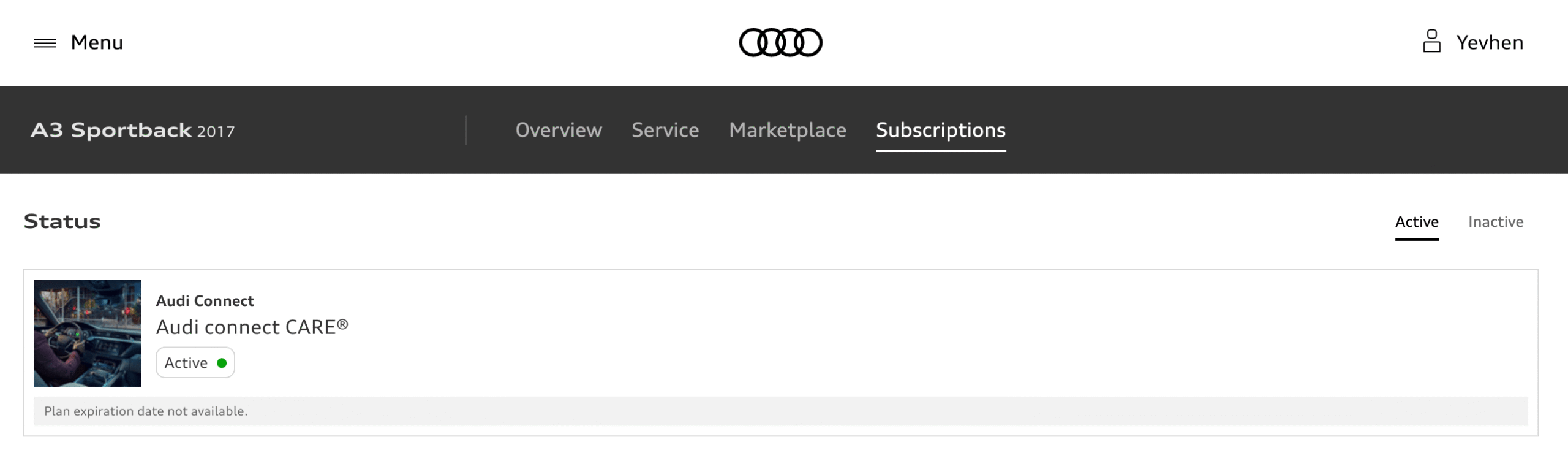
And the only thing you can renew is the SiriusXM satellite radio.
That’s where my attempts to get Audi Connect working ended.
Bottom line
As you can tell from everything above, I never managed to get any form of Audi Connect working – neither the myAudi app nor Audi Connect in the infotainment worked for me.
There’s surely a way to make all of this work, but I haven’t found it yet. If you have any ideas about this, I’d be glad to hear them in the comments.