Audi A3 Sportback e-tron

PLA 3.0 Retrofit

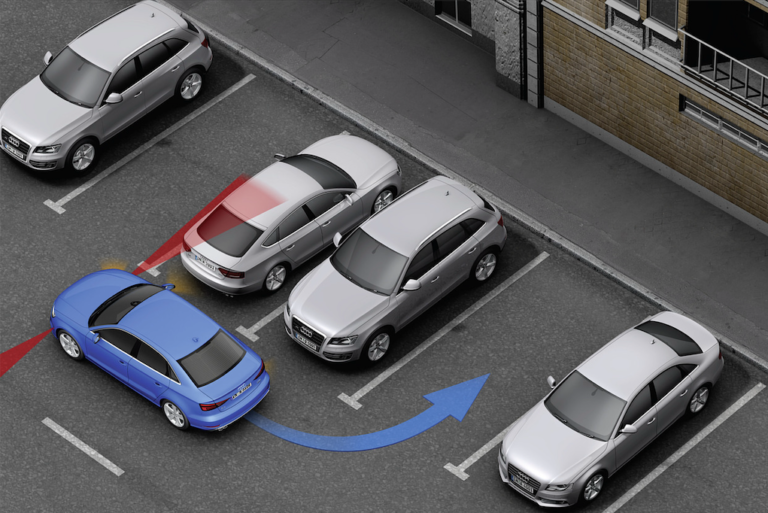
Even before buying the car, I knew for sure I wanted to add the automatic parking assistant. A button panel that wasn’t fully populated would have driven me crazy. So I started preparing in advance and picked up all the necessary components. AliExpress sells ready-made kits both for installing PLA from scratch and for the…

Adaptive Cruise Activation

My car came from the factory with a 5Q0907572G radar, but it only worked as Pre Sense — meaning the car used it for collision prevention (Front Assist). You can activate extra options on this radar using SWaP codes, and in the end get: adaptive cruise control up to 210 km/h, Emergency Assist, collision avoidance…

Fluids and Materials for Audi A3 8V Sportback e-tron Service

There’s almost nowhere online with a decent table of consumables and fluid volumes needed for servicing an Audi A3 e-tron in the 8V body. Note: all materials and fluids here are for a US-market car with the CXUA engine and 0DD(SCA) transmission — for the European market there may be differences. Also, the table below…

Replacing the LTE Module: US to Europe

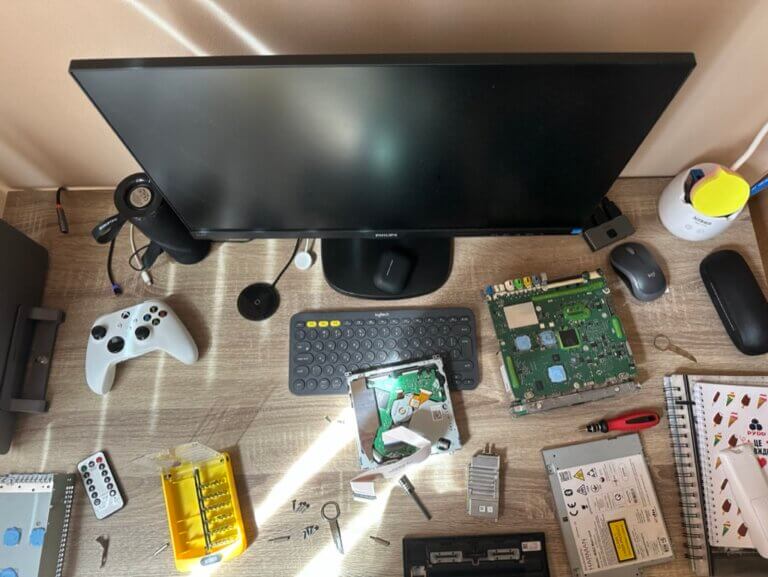
Since my car is a US-spec one with the top MIB2 that supports a SIM card, I wanted the car to have internet access. But after inserting a Ukrainian carrier’s SIM card, I didn’t see any change on the MIB2 screen — a second mobile signal indicator was supposed to appear. After some googling, it…

Useful Goodies for the Car

After buying the car at auction, besides parts I started gradually picking up all sorts of little extras for it. One of the first things was a phone holder — I specifically wanted one for MagSafe. Found exactly what I needed on AliExpress; it mounts between the vents and looks pretty good. MagSafe holder on…

MIB2 USA to Europe Conversion, Maps and More

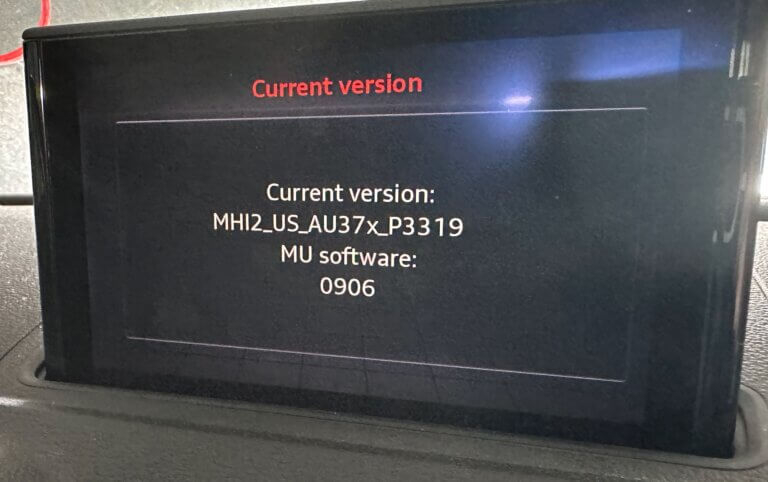
Once I picked the car up after the repair, I immediately wanted to get MIB2 (the infotainment system) into proper shape, which meant: To understand what we’re dealing with, you need to open the red engineering menu (REM) using this key combination: And in the menu, find the installed firmware version: Download More Incredible Bash…