Once I picked the car up after the repair, I immediately wanted to get MIB2 (the infotainment system) into proper shape, which meant:
- doing the conversion so European languages appear and European maps can be installed
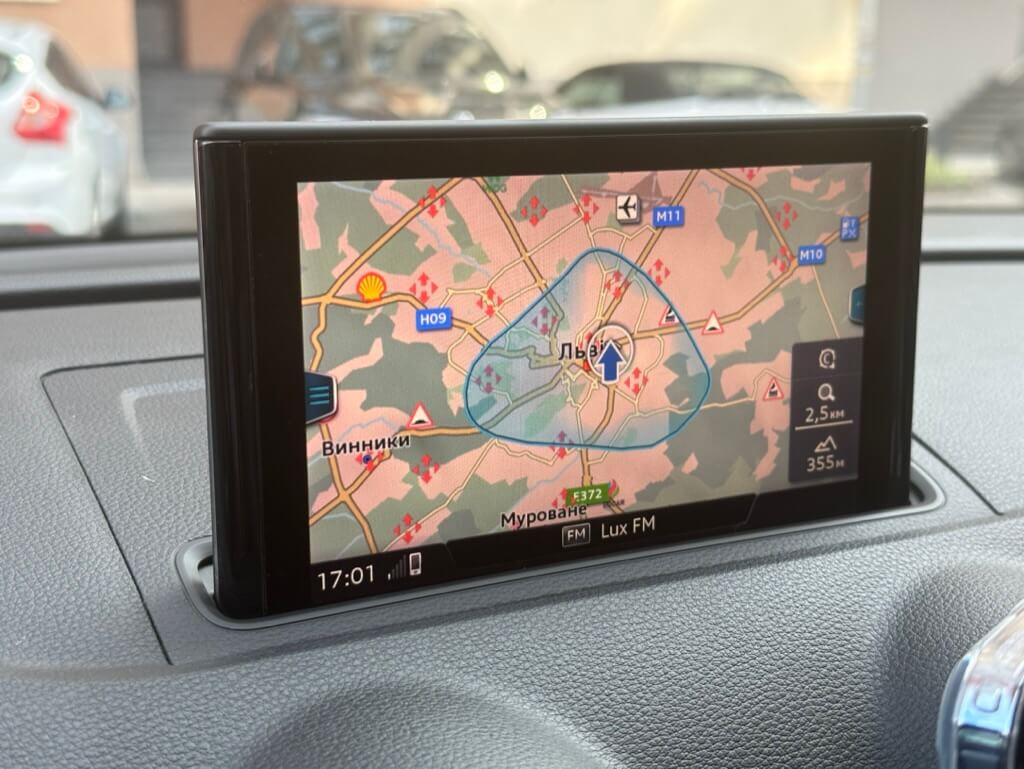
- installing current navigation maps
- adding local POIs to the maps — points of interest that aren’t in the maps, e.g. Ukrainian gas stations, speed cameras, etc.
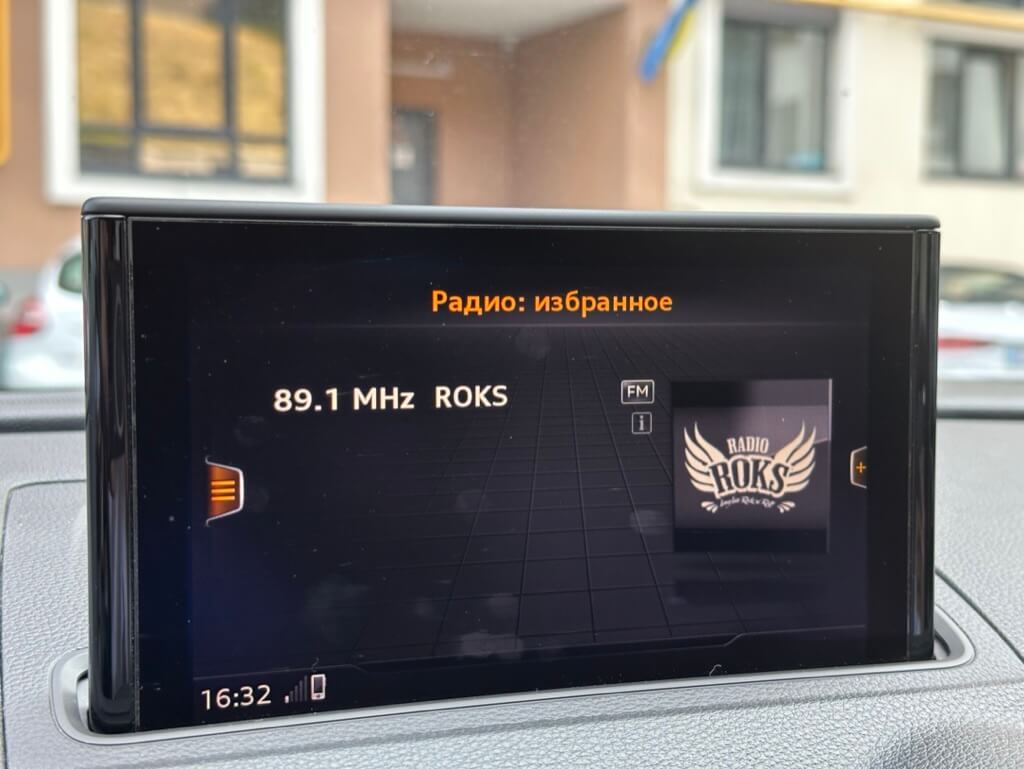
- installing Gracenote — cover art for offline music
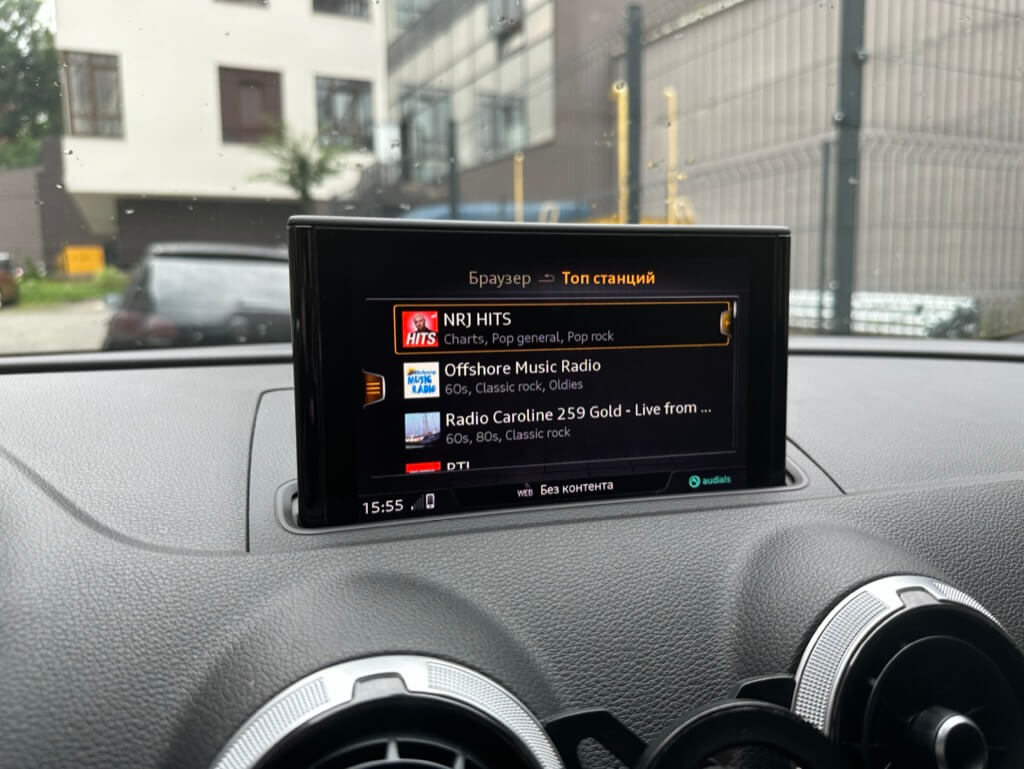
- installing RadioDB — radio station logos
- installing Onboard — the car’s owner’s manual right inside the infotainment system
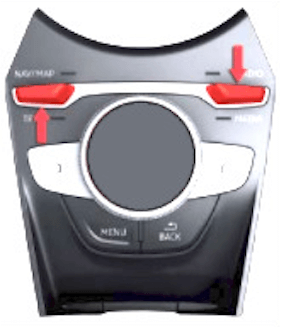
To understand what we’re dealing with, you need to open the red engineering menu (REM) using this key combination:
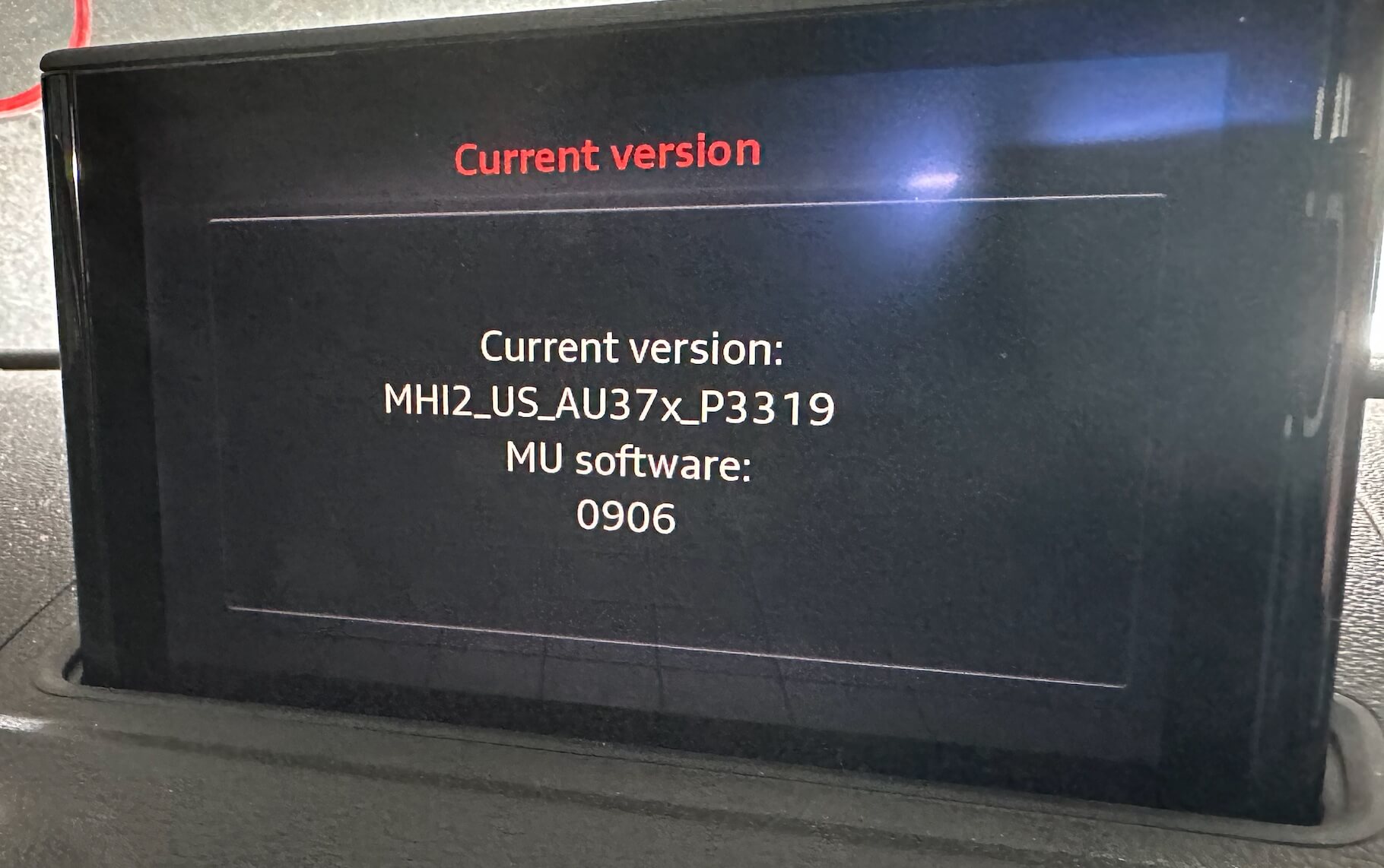
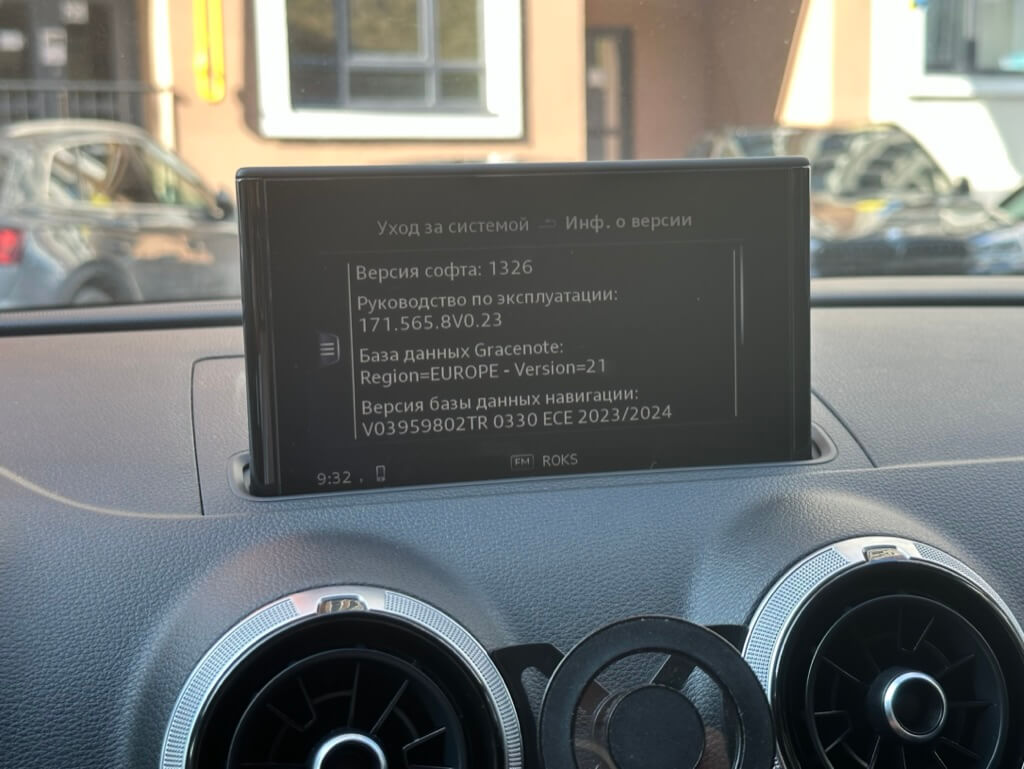
And in the menu, find the installed firmware version:
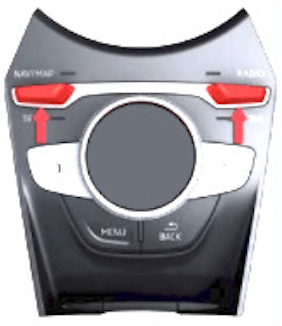
Download More Incredible Bash (M.I.B.), unpack it onto an SD card, insert the SD card into the MIB unit in the glovebox and install it via the engineering menu. M.I.B. will now be available in the green engineering menu (GEM), which is opened with this key combination:
Now download the latest European firmware MHI2_ER_AU37xP5089 and load it onto the SD card, insert it into the MIB unit.
Go into the green menu and launch/enable:
- m.i.b.>advanced_settings>eu_conversion>Convert unit to EU
- m.i.b.>advanced_settings>swdl_fw_updates>Enable user defined SWDL
Exit GEM and enter REM>User defined, where you MUST change FC2H37xE to [N] and only after that press Start update.
Next, download the archive 20230412_M.I.B_Patches.7z and from it unpack the MHI2_ER_AU37x_P5089_MU1326_PATCH folder into the patches folder on the More Incredible Bash SD card.
Insert the More Incredible Bash SD card and install again.
In More Incredible Bash run “patch_unit_aio>PATCH NOW: Patch | add FECs | enable CP/AA coding | and more”.
That completes the conversion, and MIB2 now has European languages available, including Ukrainian. It’s a good idea to reset the settings to factory defaults through the menu, otherwise the radio may glitch.
Next, install these from the SD card via the menu, in order:
Don’t forget to activate Gracenote afterward in the radio settings; if there’s no menu item for it, check the adaptations in control unit 5F.
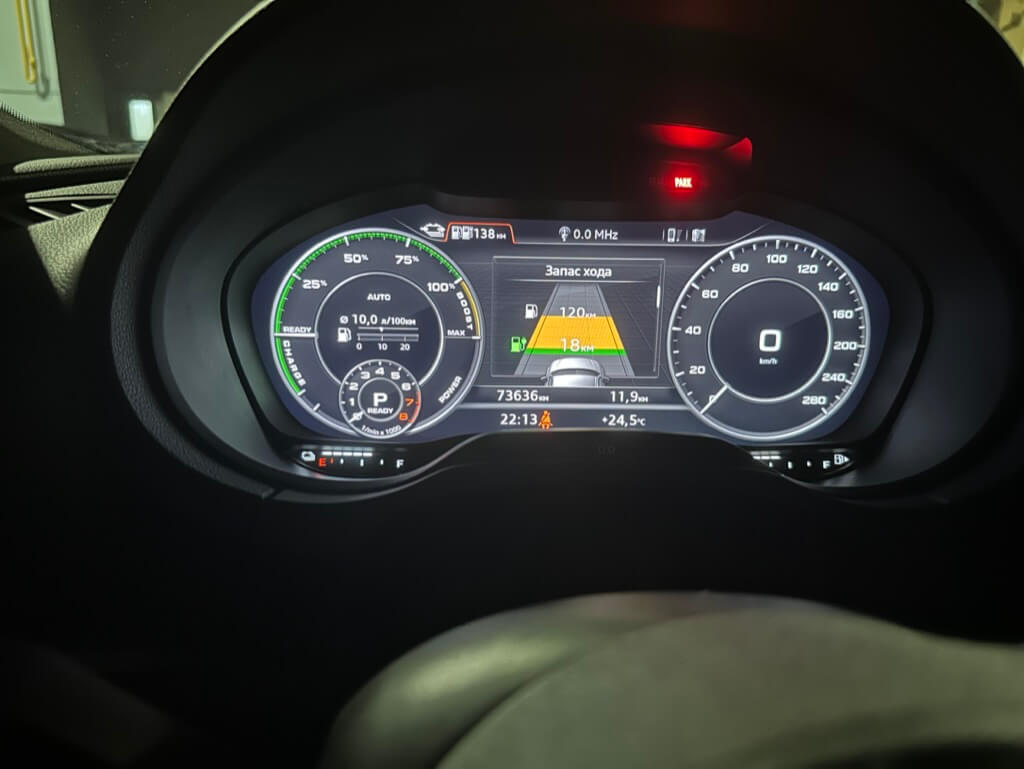
That’s it. Slightly disappointing that there’s no Ukrainian language for the e-tron cockpit — there is Russian, though.
You can also link MIB2 to myAudi, which unlocks a handful of free services:
I also inserted a SIM card, but the LTE module in the US-spec MIB2 doesn’t support European frequencies, so in the 5F control unit’s adaptations you need to force it to switch to 2G and use the external SIM card instead of the built-in eSIM. Now there’s at least some mobile connectivity in the car. Down the road, the LTE module can be reflowed from ALS6A-US to ALS6A-E — the module itself can be found on AliExpress for around $30-40. After reflowing, everything will run on 4G.
After all the installs, don’t forget to clear fault 1555 / B201A via the 5F control unit’s adaptations.