
My car came from the factory with a 5Q0907572G radar, but it only worked as Pre Sense — meaning the car used it for collision prevention (Front Assist).
You can activate extra options on this radar using SWaP codes, and in the end get: adaptive cruise control up to 210 km/h, Emergency Assist, collision avoidance with obstacles, pedestrians or cyclists, predictive adaptive cruise control, and traffic jam assist (the last few options only work paired with the assist camera on the windshield).
To activate all these options we’ll need: a VAS5054a, ODIS with online access (to remove component protection), developer and regular control unit firmware, the parameter set for the new firmware, and a SWaP code generator.
First we need to buy geko online access (ODIS) — I bought mine at https://online-geko.com/. At the time of writing, access costs $25 per hour, with a maximum of 12 logins. In the end they give you a small program that fills in the login and password for ODIS authorization.
Next you need to go into ODIS E or ODIS S and start the component-protection removal process for control unit 13, Adaptive Cruise. When you see the protection-removal steps begin, after step 1 you need to unplug the VAS5054 USB cable, and if it all goes well your radar will drop into protection mode; if it doesn’t, try again. Mine worked on the last 10 remaining minutes.
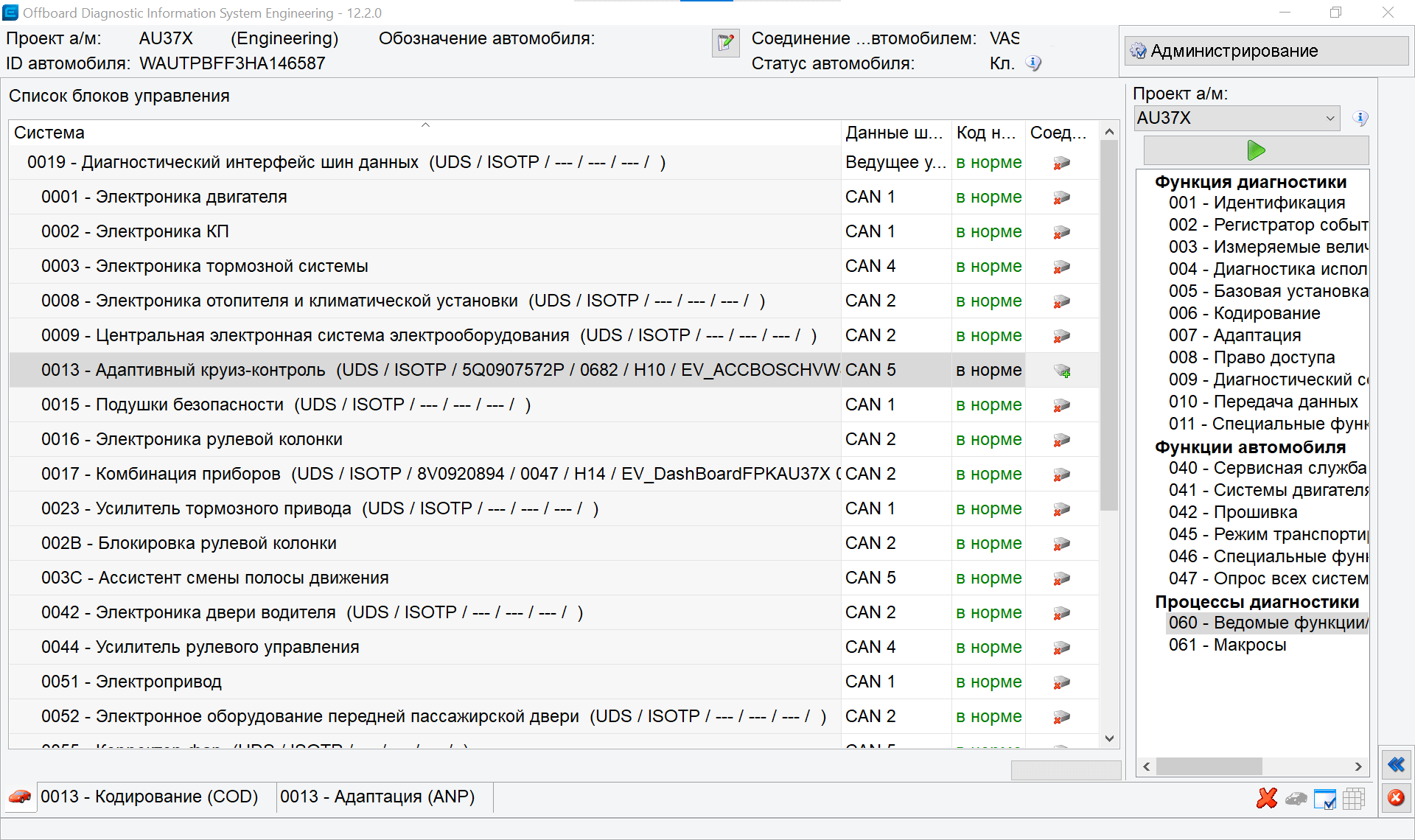
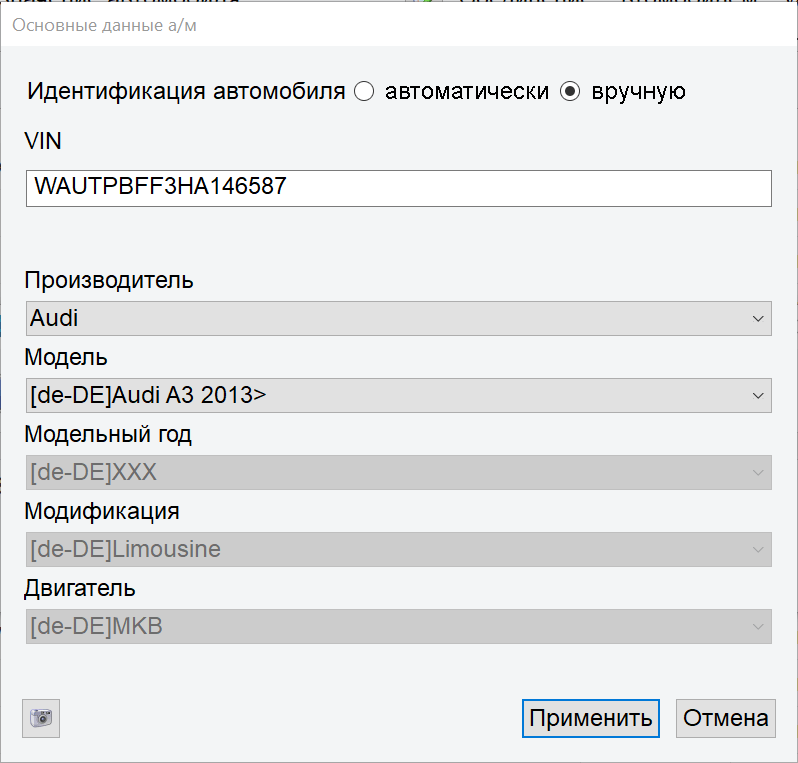
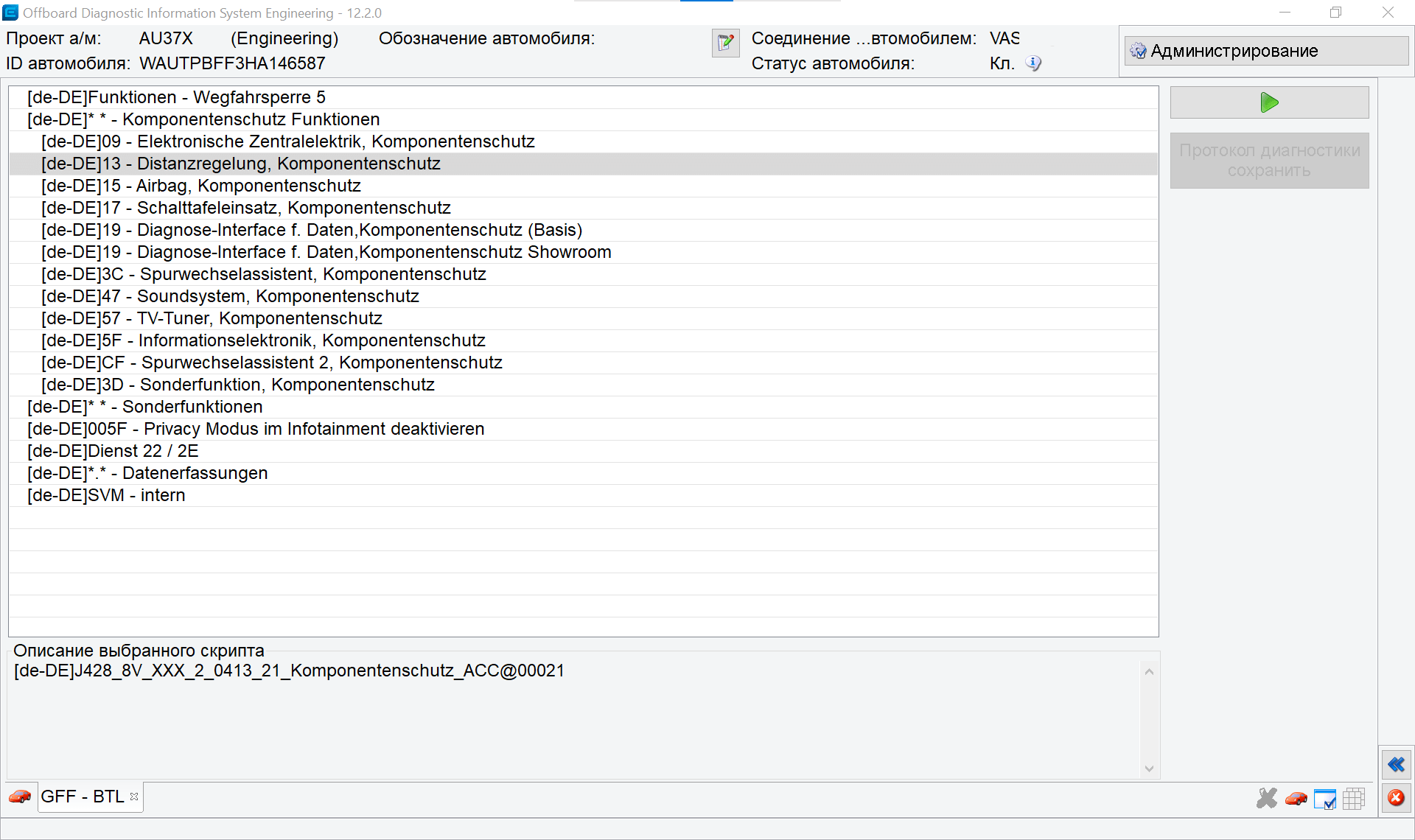
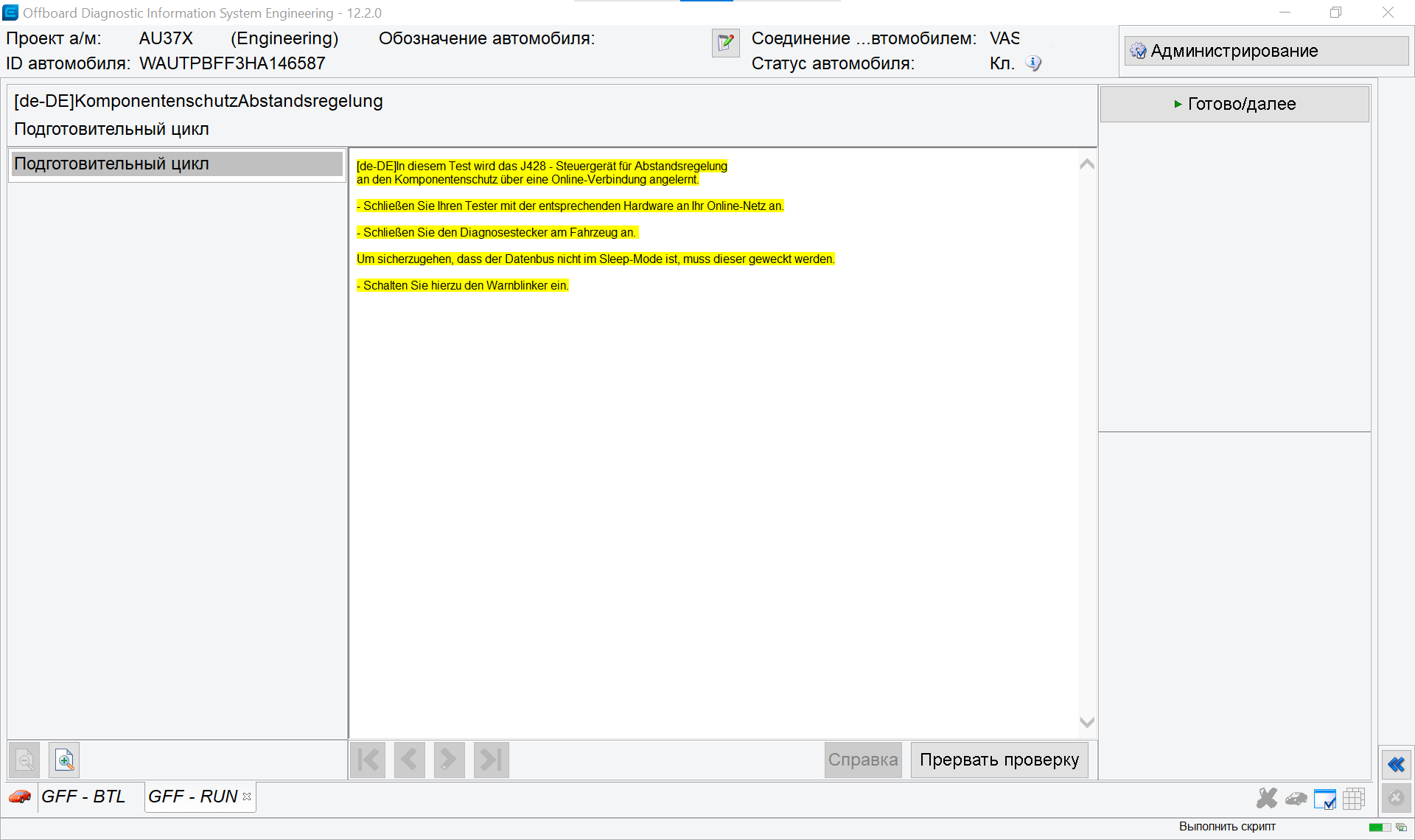
Since I had about 10 minutes of online access left, I needed to manage to flash the developer firmware and remove the protection again.
Flash FL_5Q0907572M_X720___S.odx — the flashing takes about 2 minutes. After flashing, quickly remove component protection again (since only 7 minutes of access were left).
Next, open the cruise control unit’s measured values and check whether the public key changed — it should start like this:
9C 47 73...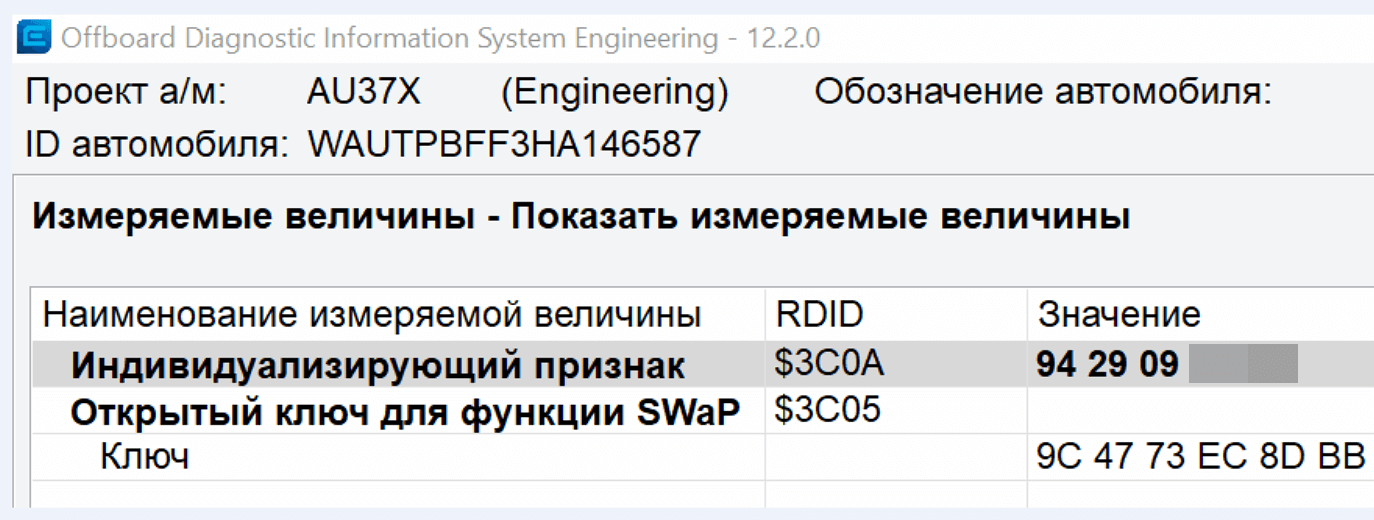
Now you can relax a bit and use the SWaP generator to generate option codes. I picked the following codes (the maximum possible and most interesting ones for this radar):
- 10009008 MRR, package 8: ACChigh (ACC S&G) + FrontAssist, including CityANB
- 10009103 ACC feature-expansion package “predictiveACC & StauAssistent”
- 10009205 AWV version “AWV1,2,3, vFGS, vRFS”
- 10009307 AWV feature-expansion package “Emergency assist, turn assist and two-way traffic AWV”
In the generator, enter your car’s VIN, the individualizing identifier (VCRN, you can find it in the cruise control unit’s measured values), the SWaP codes you want (up to 4), and choose the platform.
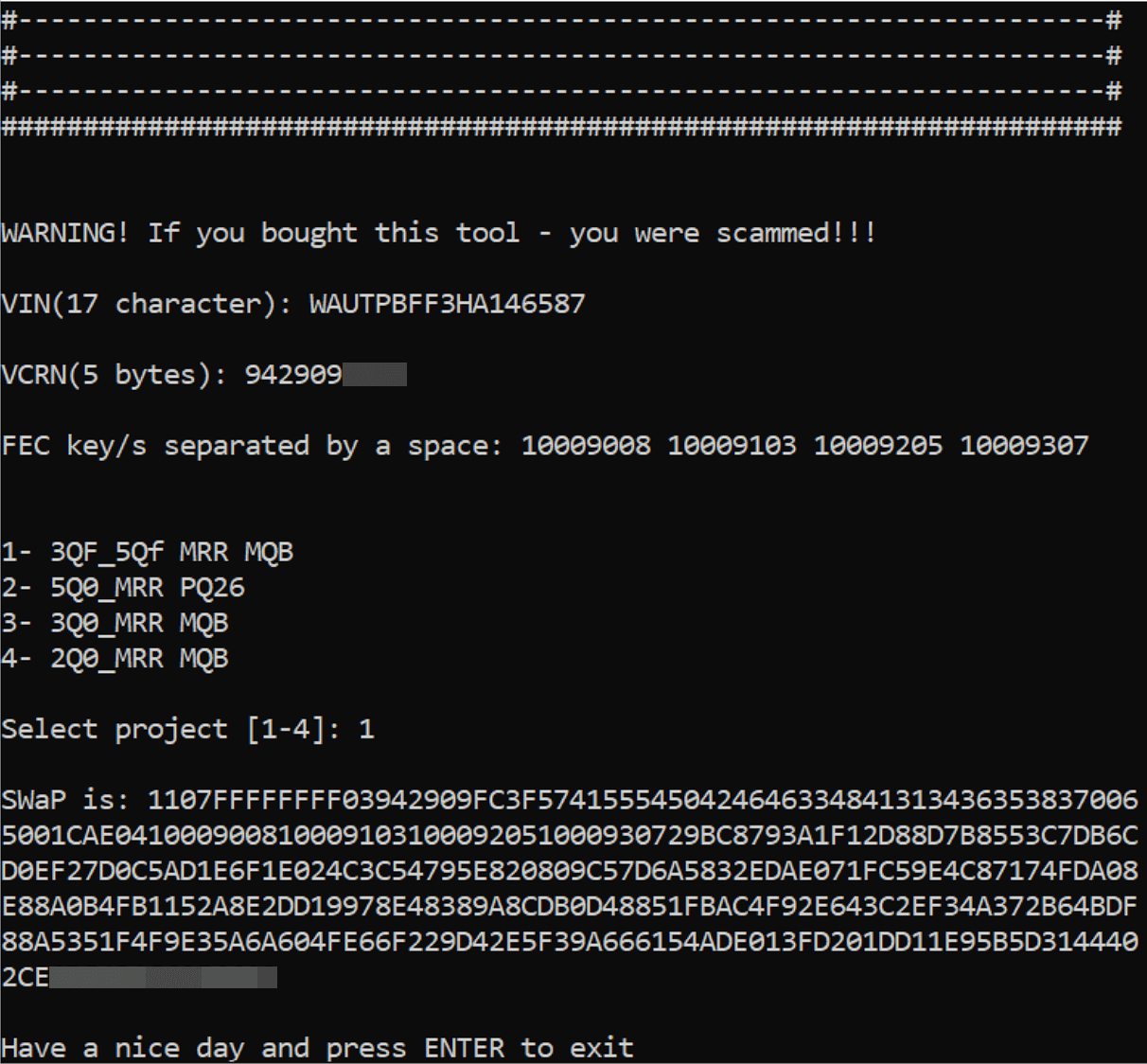
Next, the resulting SWaP code needs to be entered into the control unit:
- Block 009 — Diagnostic session → End-of-line mode (EOL)
- Block 008 — Access rights → code 20103
- Block 007 — Adaptations – Transfer SWaP feature unlock code → enter the generated code into the “Data input” field
- Block 005 — UDS basic settings → SWaP feature unlock
Then verify the SWaP codes were applied and are working:
- Block 003 — Measured values → Status of all SWaP functions
If all is well, you’ll see a list of your FEC codes, each marked as available, active, condition met.
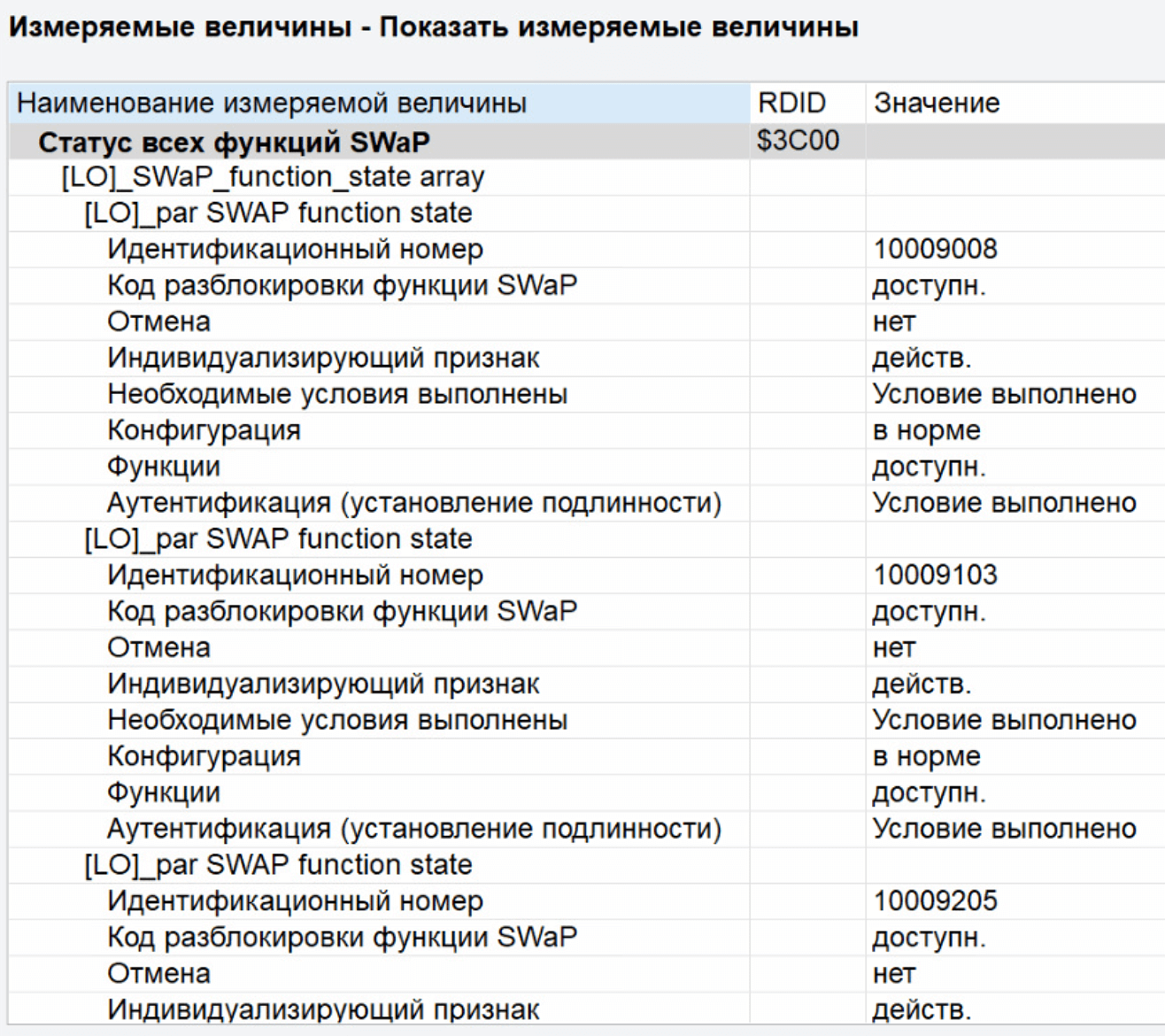
Now you can flash back from the developer firmware to the regular one. We need the firmware 5Q0907572P / 0682 and its matching parameter set.
The instructions floating around online recommend flashing to the R or S firmware and using the parameter set from the same archive. I’ll say right away that for a US-spec car this won’t work out of the box. If you flash to the R or S firmware, ODIS under the AU37x project (Audi A3) will stop recognizing the cruise control unit properly (you can use the VW Arteon project — VW48x instead), and loading the parameter set from that same archive for this firmware will give you a “FAULT_DATASET_MISMATCH” error. To get the parameter set from the R or S firmware archive working, you have to edit it — you need to correct the vehicle model check.
If you don’t need pACC and only want regular ACC, it’s best to use the 5Q0907572P_0682 firmware and its matching parameter set. I couldn’t find the parameter set publicly available, so I bought it from an acquaintance and can’t share it since I don’t have the file to redistribute.
Next, you still need to code a few control units: engine, ABS, multimedia, parking assistant, and the cruise unit itself.
Also don’t forget to code the new Lim button in the steering column.
16 Steering column
Byte 1 Bit 6
Byte 1 Bit 2
1 Engine
Byte 6 Bit 2
In exactly that order — otherwise it will throw an error and won’t let you code it.
After coding, you need to run an adaptation. It’s fairly simple: you need a flat sheet of metal, which you position perpendicular to the radar at a distance of 1200 mm, and then run the calibration through ODIS’s guided functions.
I used an oven tray as the metal sheet; the calibration took about 30 seconds and worked on the first try.
After that the full functionality of the adaptive cruise and collision protection opens up.
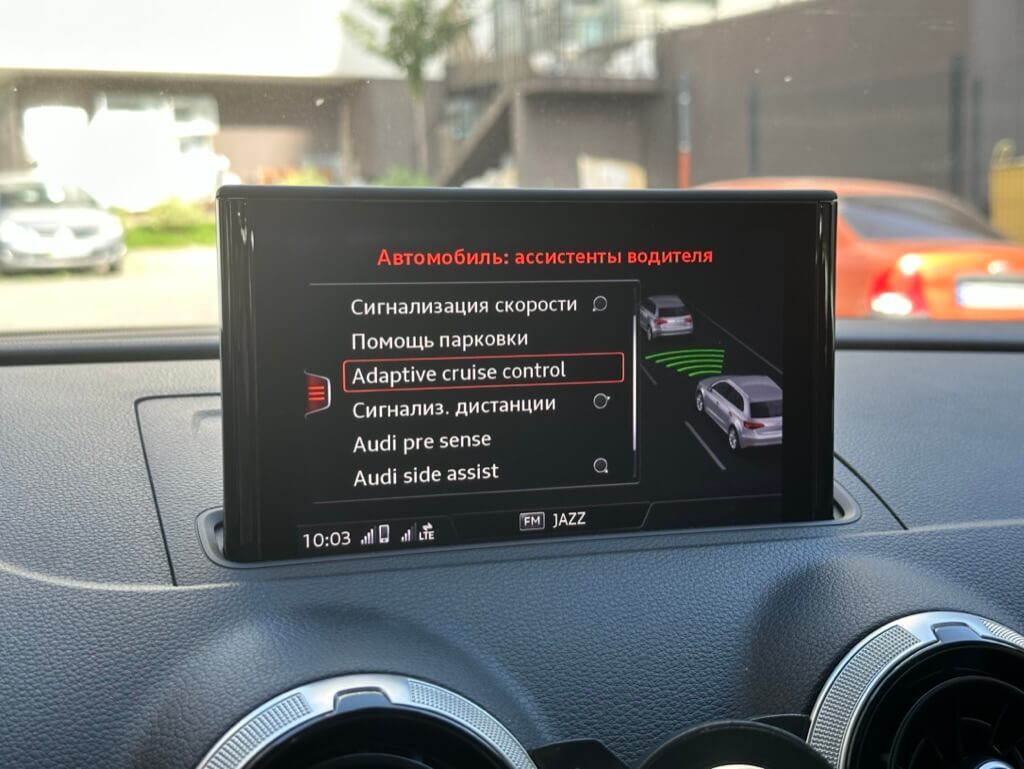
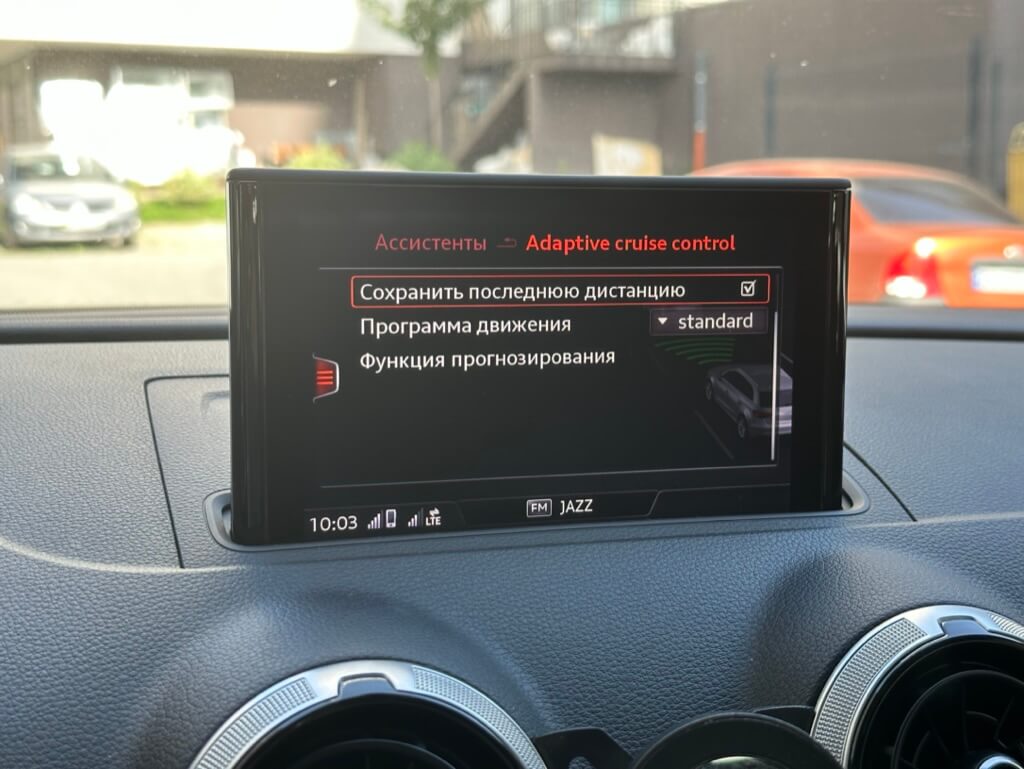
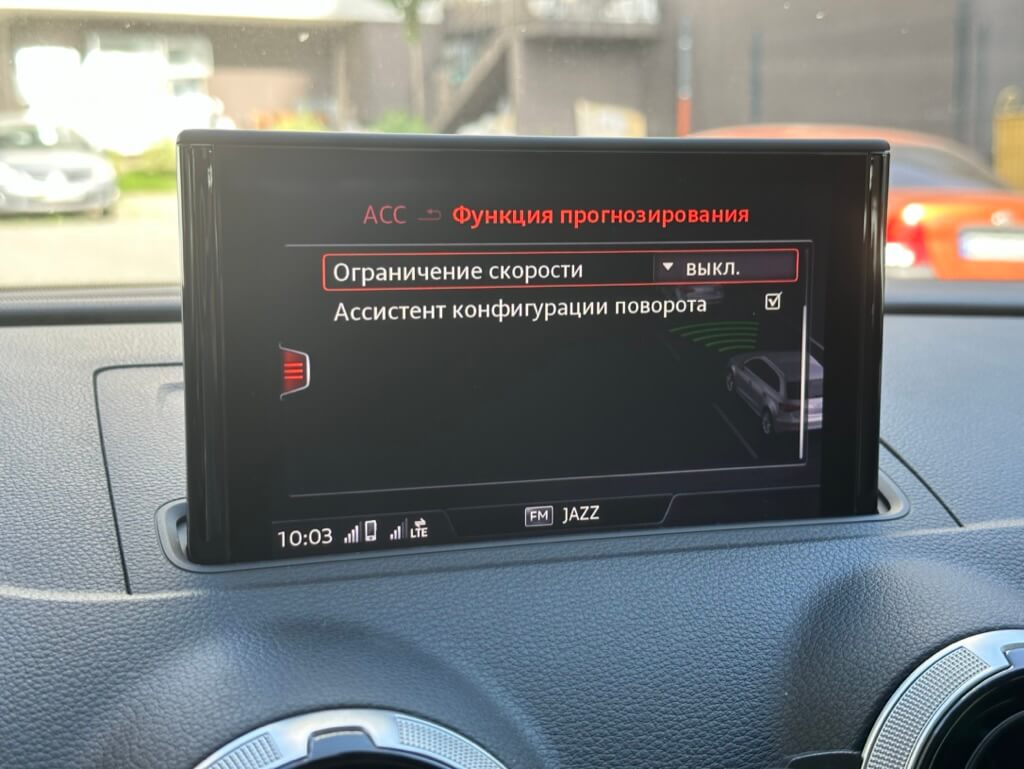
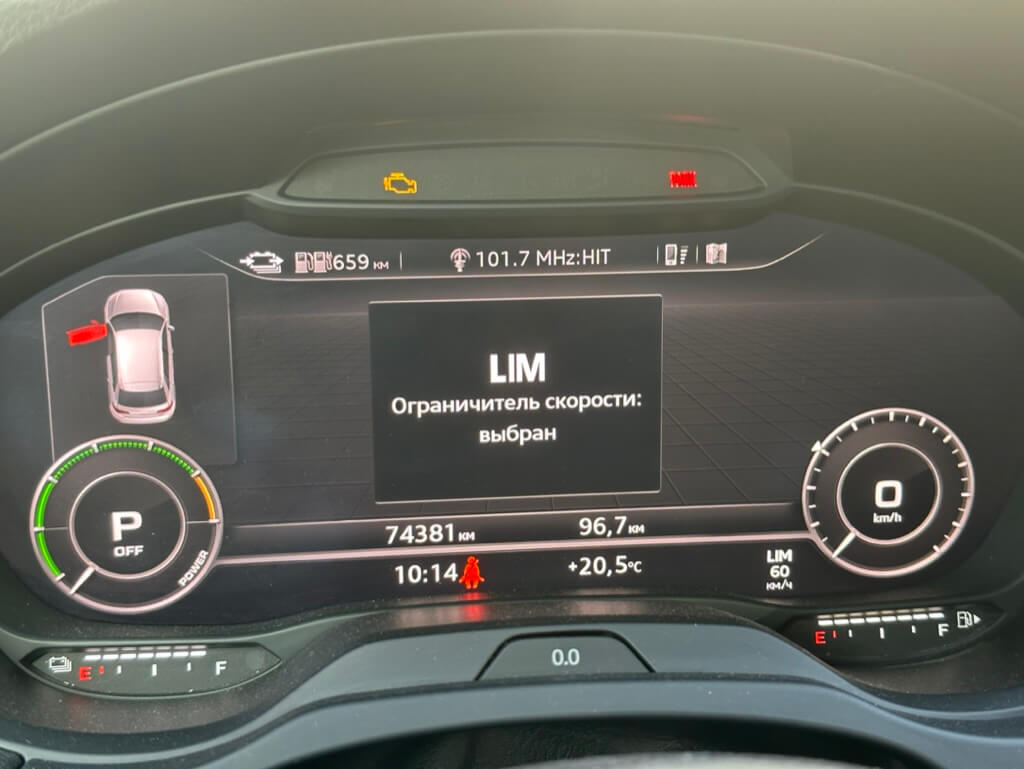
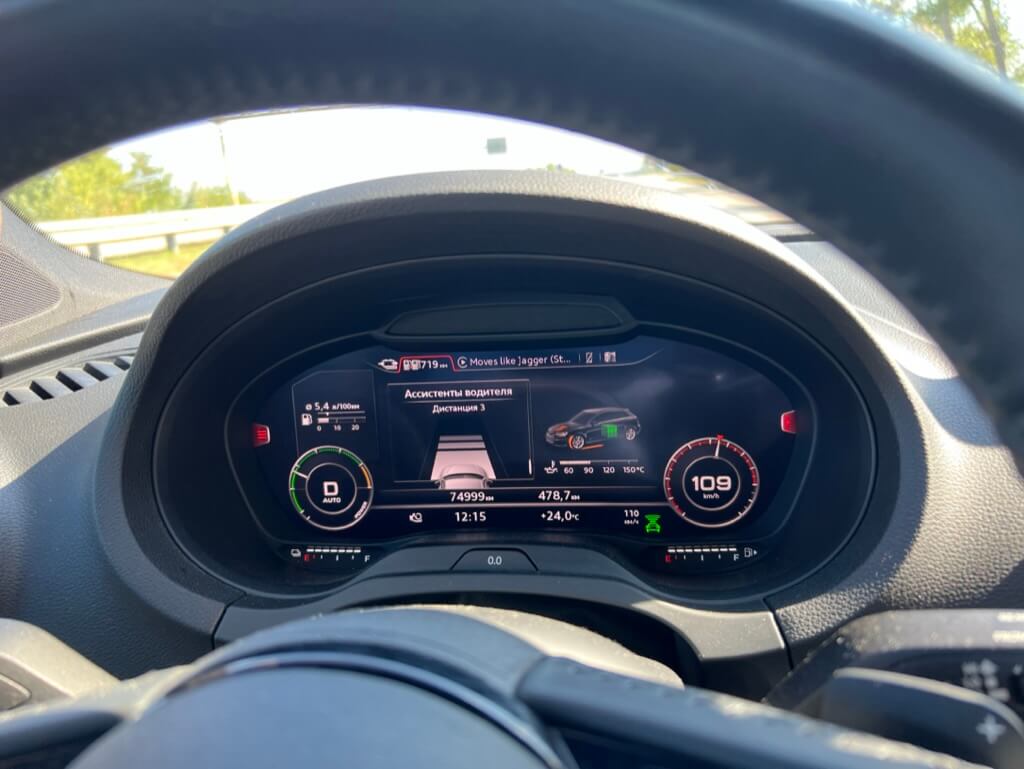
Right now I have full adaptive cruise: I can adjust the distance to the car ahead, and it can stop and set off again — though it can only sit stopped for up to 10 seconds before you need to nudge the lever or tap the gas pedal.
Overall I’m very happy with the car’s new functionality.